
Best AI Video Editing Tools: Complete 2026 Roundup
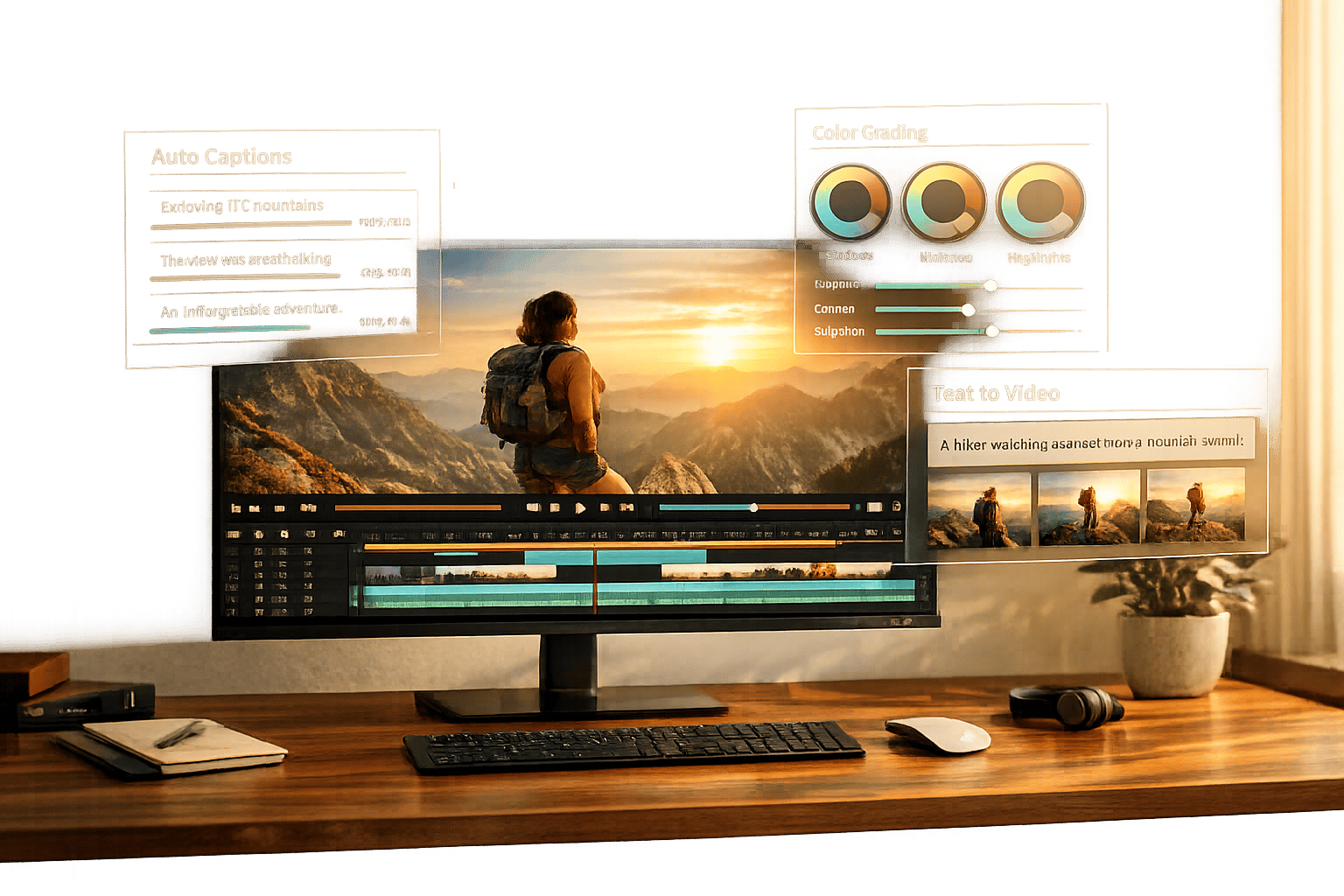
Best AI Video Editing Tools: Complete 2026 Roundup
AI video editing tools in 2026 save time, boost efficiency, and improve content engagement. These tools handle repetitive tasks like cutting silences, generating captions, and even creating videos from text prompts. Here’s what you need to know:
- Time Savings: AI reduces editing time by 50–70%, turning hours of work into minutes.
- Higher Engagement: AI-enhanced edits improve viewer retention by 25%.
- Top Tools: Options range from free apps like CapCut to professional software like Adobe Premiere Pro and DaVinci Resolve.
- Key Features: Text-based editing, generative video creation, auto-subtitles, color grading, and more.
- Pricing: Plans range from free to $30/month for most tools, with premium options available for professionals.
Quick Comparison:
| Tool | Best For | Pricing (USD) | Max Resolution | Ease of Use |
|---|---|---|---|---|
| WaveSpeedAI | Viral content & automation | $15–$30/month | 4K | Easy |
| Runway | Generative video creation | $15–$95/month | 4K | Medium |
| Descript | Podcasts & interviews | $24–$40/month | 4K | Easy |
| CapCut | Social media content or using Video AI by invideo for automated shorts | Free; $9.99/month | 4K | Very Easy |
| Adobe Premiere Pro | Professional filmmaking | $22.99/month | 8K+ | Steep |
| DaVinci Resolve | Color grading & VFX | Free; $295 (one-time) | 8K+ | Steep |
Whether you're a hobbyist, creator, or professional, the right AI tools can transform your workflow. Start by identifying your needs - social media, corporate training, or filmmaking - and pick tools that fit your goals.
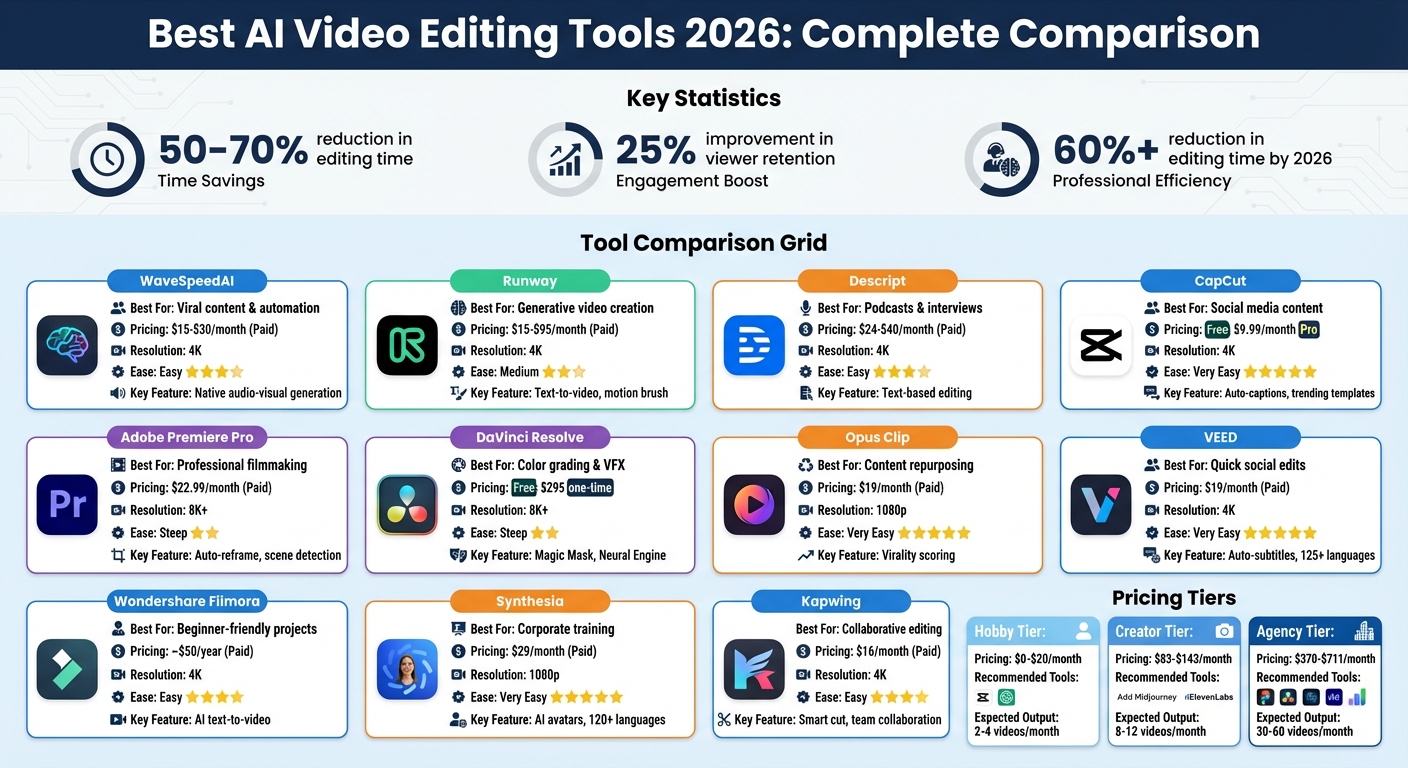
AI Video Editing Tools Comparison 2026: Features, Pricing and Best Use Cases
6 AI Video Editing Apps You Won't Believe Exist in 2026!
Explore AI Tools on Flaex.ai
Discover the best AI tools for your workflow, curated, reviewed, and ranked.
Browse Directory →Feature Comparison Table
The table below outlines how leading AI video editing tools compare in terms of features, pricing, and ideal use cases. Prices are listed in USD for monthly subscriptions, though some tools also offer annual discounts or one-time purchase options.
| Tool | Best Use Case | Key AI Capabilities | Pricing (USD/month) | Max Resolution | Ease of Use |
|---|---|---|---|---|---|
| WaveSpeedAI | Short-form viral content | Native audio-visual generation, physics simulation | ~$15–$30 | 4K | Easy |
| Runway | Professional post-production | Text-to-video, image-to-video, inpainting, motion brush | $15 (Standard); $95 (Unlimited) | 4K | Medium |
| Descript | Podcasts & interviews | Text-based editing, voice cloning, Studio Sound | $24 (Creator); $40 (Pro) | 4K | Easy |
| CapCut | TikTok & Reels | Auto-captions, background removal, trending templates | Free; $9.99 (Pro) | 4K | Very Easy |
| Adobe Premiere Pro | Professional filmmaking | Auto-reframe, speech-to-text, scene edit detection | $22.99 (single app) | 8K+ | Steep |
| DaVinci Resolve | Color grading & VFX | Face tracking, Magic Mask, Neural Engine features | Free; $295 (Studio, one-time) | 8K+ | Steep |
| Opus Clip | Content repurposing | Virality scoring, auto-clipping, keyword highlights | $19 (Starter) | 1080p | Very Easy |
| VEED | Quick social edits | Auto-subtitles, background removal, one-click templates | $19 (Basic) | 4K | Very Easy |
| Wondershare Filmora | Beginner-friendly projects | AI text-to-video, smart cutout, motion tracking | ~$50/year | 4K | Easy |
| Synthesia | Corporate training & e-learning | AI avatars and text-to-speech in 120+ languages | $29 (Starter) | 1080p | Very Easy |
| Kapwing | Collaborative team editing | Smart cut, auto-subtitles, background removal | $16 (Pro) | 4K | Easy |
DaVinci Resolve and Adobe Premiere Pro are top picks for professionals tackling high-end projects like advanced color grading or 8K workflows. However, these tools require more time to master. On the other hand, tools like CapCut and VEED cater to creators prioritizing speed and simplicity, with CapCut offering a free option that includes watermark-free exports. For more niche needs, Synthesia and Opus Clip shine in areas like corporate training or viral clip creation, with pricing tailored to their specialized features.
For creators working with dialogue-heavy projects such as podcasts, Descript stands out with its text-based editing, which can significantly cut down production time. For example, YouTube creator Ali Abdaal (with over 3 million subscribers) streamlined his editing process using AI tools, reducing a 5–6-hour task to just 1–2 hours while tripling his output. Additionally, tools with virality scoring have been shown to boost social engagement by 217% and reduce production time by 70%.
This breakdown showcases how AI-powered editing tools are not just simplifying workflows but also enhancing creative possibilities. These insights set the stage for exploring how to implement complete AI-driven editing systems in the next section.
Top AI Video Editing Tools in 2026
Here's a closer look at how these tools perform in practical workflows and what makes each one stand out.
WaveSpeedAI
WaveSpeedAI offers a seamless way to combine video generation and editing through a single API. With access to over 600 AI models, including exclusive ones like Kling and Seedance, it simplifies workflows for developers and businesses. Instead of juggling multiple tools, you can handle everything programmatically in one place. This makes it especially useful for companies building automated video pipelines or agencies managing high volumes of custom content. Its pay-per-use pricing model is ideal for fluctuating usage, avoiding the hassle of fixed subscriptions. If you're a developer integrating video into a SaaS product or need scalable solutions for custom footage, this tool is a standout option.
Runway
Runway pushes boundaries with its Gen-3 Alpha and Gen-4.5 models, advancing text-to-video generation. Tools like Motion Brush, which animates static image elements, and Act-One, which transfers facial expressions from reference videos to AI characters, make it a creative powerhouse. However, users have noted that credits can run out quickly for longer clips, earning it a 4.3/5 rating on ToolPilot. If you're experimenting with generative video tools or need footage that can't be found in stock libraries, Runway offers cutting-edge possibilities.
Descript
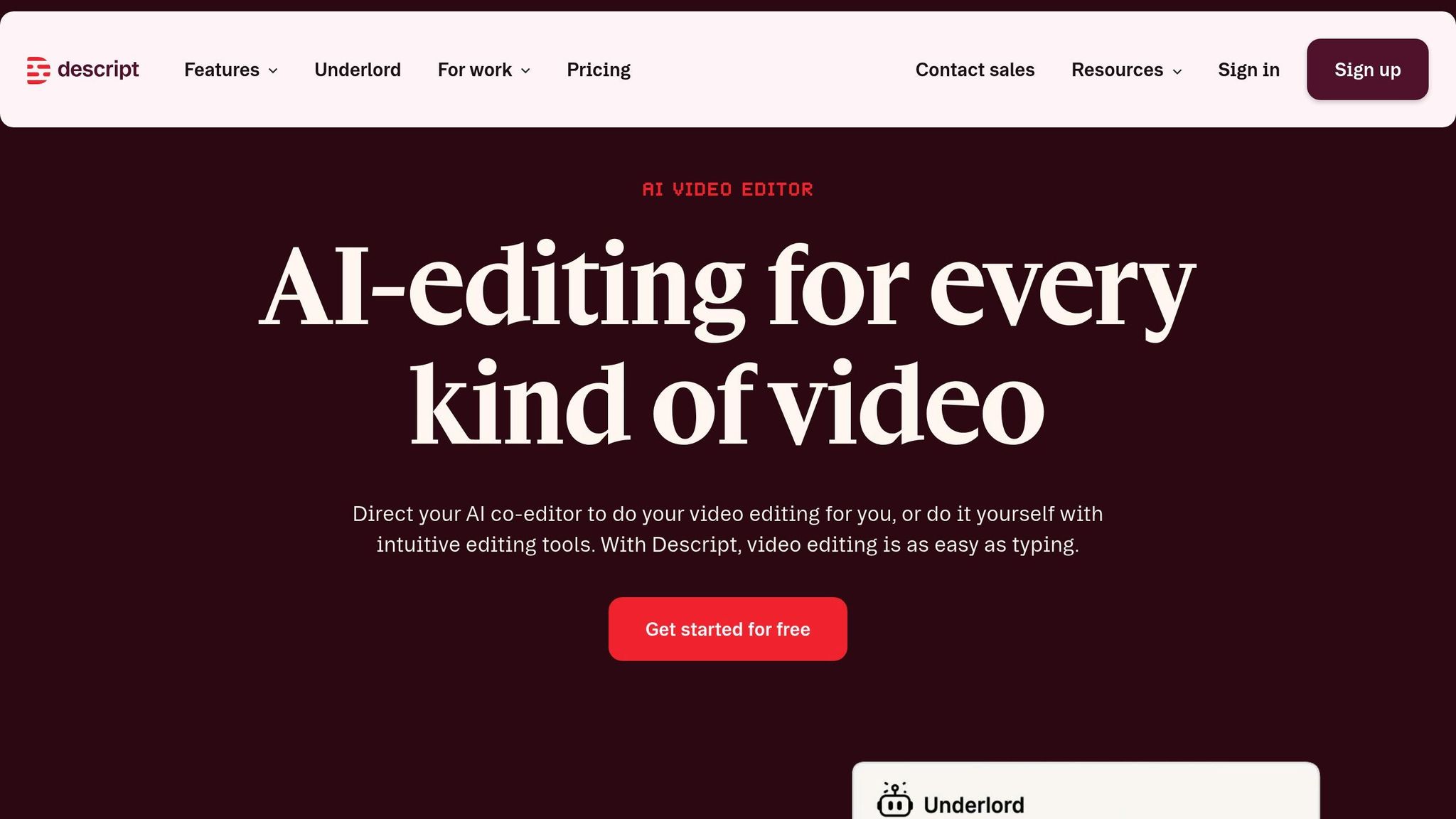
Descript takes a text-based approach to video editing: delete a sentence from the transcript, and the corresponding footage disappears. Its Underlord AI co-pilot handles tasks like removing filler words and adjusting eye contact, while Overdub lets you fix audio by typing new text to clone your voice. This document-like editing style streamlines workflows, earning it a 4.4/5 Editor's Score on ToolPilot.
YouTube creator Ali Abdaal, with over 3 million subscribers, shared how AI tools like these cut his editing time by 70%. What once took 5–6 hours per video now takes just 1–2 hours, allowing him to triple his weekly output.
Descript is perfect for podcasters, interviewers, and anyone working with dialogue-heavy content.
CapCut
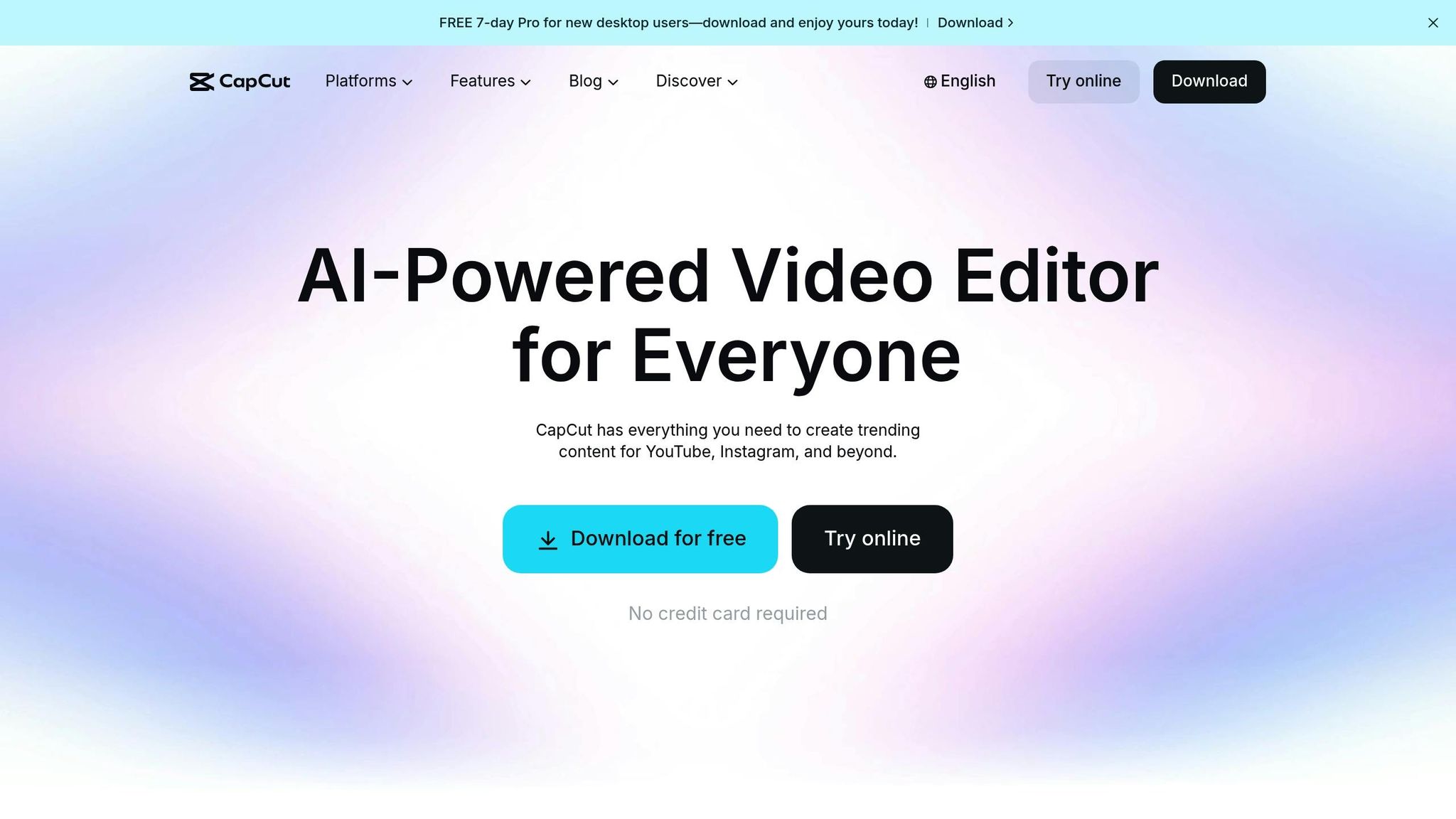
CapCut is designed for social media with its mobile-first interface and free tier offering watermark-free exports. Its Auto-Edit mode creates complete sequences from raw clips, and trending templates help match platform trends effortlessly. With a 4.5/5 Editor's Score, it's the go-to free editor for creators worldwide. Whether you're making TikToks, Reels, or YouTube Shorts, CapCut lets you shoot, edit, and publish in minutes - all on your phone.
Adobe Premiere Pro
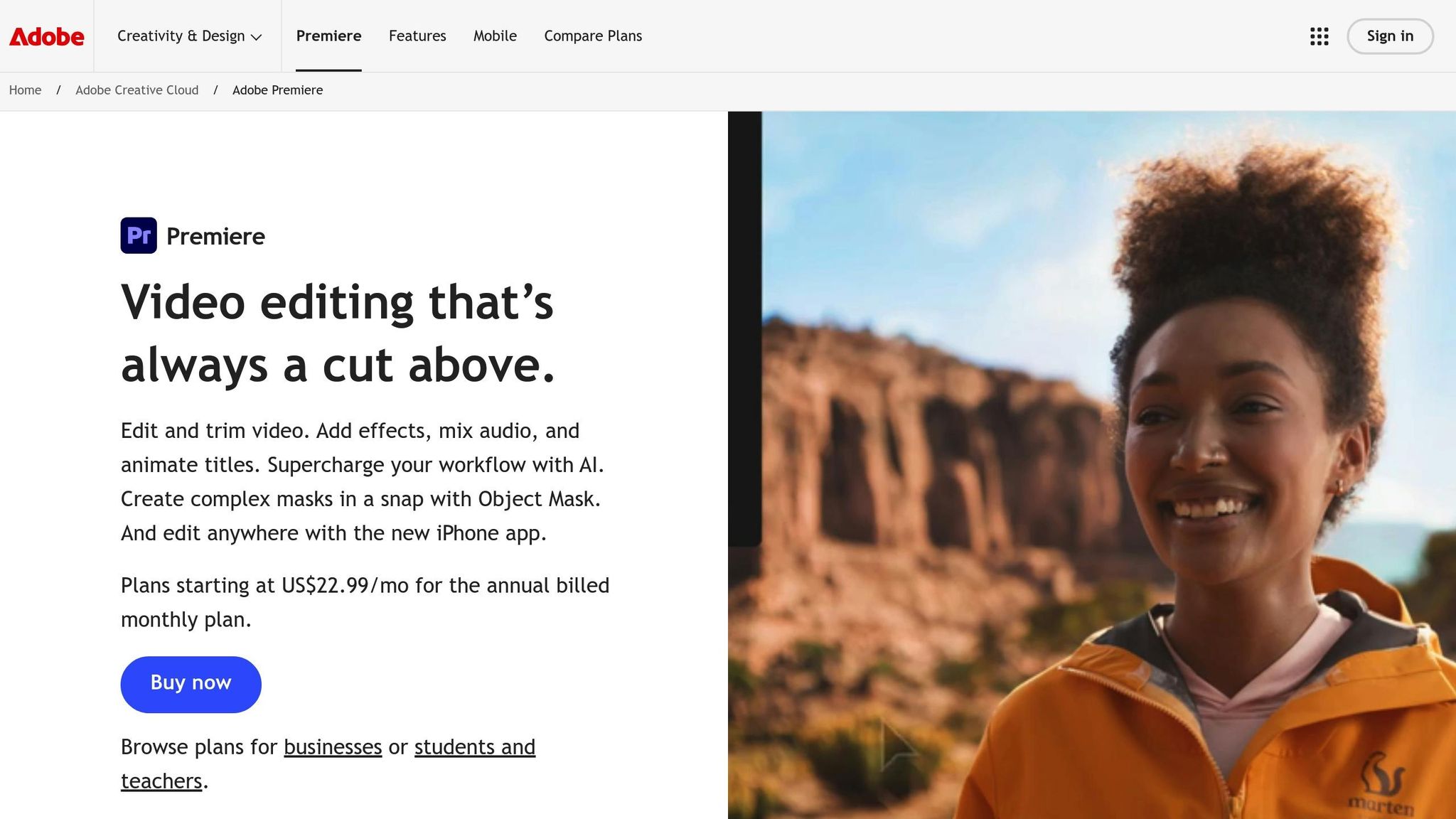
Adobe Premiere Pro remains a favorite among professional filmmakers. Enhanced by Adobe Sensei AI, features like auto-reframe, content-aware fill, and Generative Extend bring efficiency to high-end workflows. Scene edit detection and speech-to-text further speed up the editing process. While its learning curve can be steep, Premiere Pro integrates seamlessly with the Creative Cloud suite, making it a must-have for commercials, documentaries, or feature films requiring precision and flexibility.
DaVinci Resolve
DaVinci Resolve is a top choice for professionals focused on color grading and post-production. Its Magic Mask automates object isolation, and voice isolation cleans up dialogue tracks without manual effort. The Neural Engine powers advanced tools for 8K+ workflows, and the free version offers unmatched capabilities for beginners. The Studio version, priced at $295 as a one-time purchase, provides a cost-effective alternative for those prioritizing professional-grade color work, VFX, and audio editing.
Opus Clip
Opus Clip specializes in turning long-form content into short, shareable clips. Its AI identifies potential viral moments and assigns a Virality Score to help prioritize segments. With 95–97% caption accuracy, it’s a time-saver for marketers aiming to boost engagement.
Drift's marketing team used a similar tool to repurpose webinars and podcasts, achieving a 217% increase in social media engagement while cutting production time by 70%.
For repurposing YouTube videos, webinars, or podcasts into Shorts or Reels, Opus Clip automates the heavy lifting.
VEED
VEED is a browser-based editor perfect for teams and remote creators. It offers auto-subtitles with 95%+ accuracy, supports translation into 125+ languages, and includes one-click formatting for various social platforms. Collaborative editing features allow multiple team members to work on a project simultaneously, making it a great choice for distributed teams.
Wondershare Filmora
Wondershare Filmora is tailored for beginners and intermediate users, offering AI tools like Auto Beat Sync to match cuts to music and AI portrait effects for background adjustments. Its drag-and-drop interface and pre-built templates make it easy to use, while features like motion tracking and 4K export provide enough depth for small business or YouTube projects.
Synthesia
Synthesia replaces live filming with AI avatars, offering over 150 options that can speak in 120+ languages. This makes it ideal for corporate training videos, e-learning, and internal communications. By typing a script and selecting an avatar, you can generate professional-quality videos without needing a camera.
Kapwing
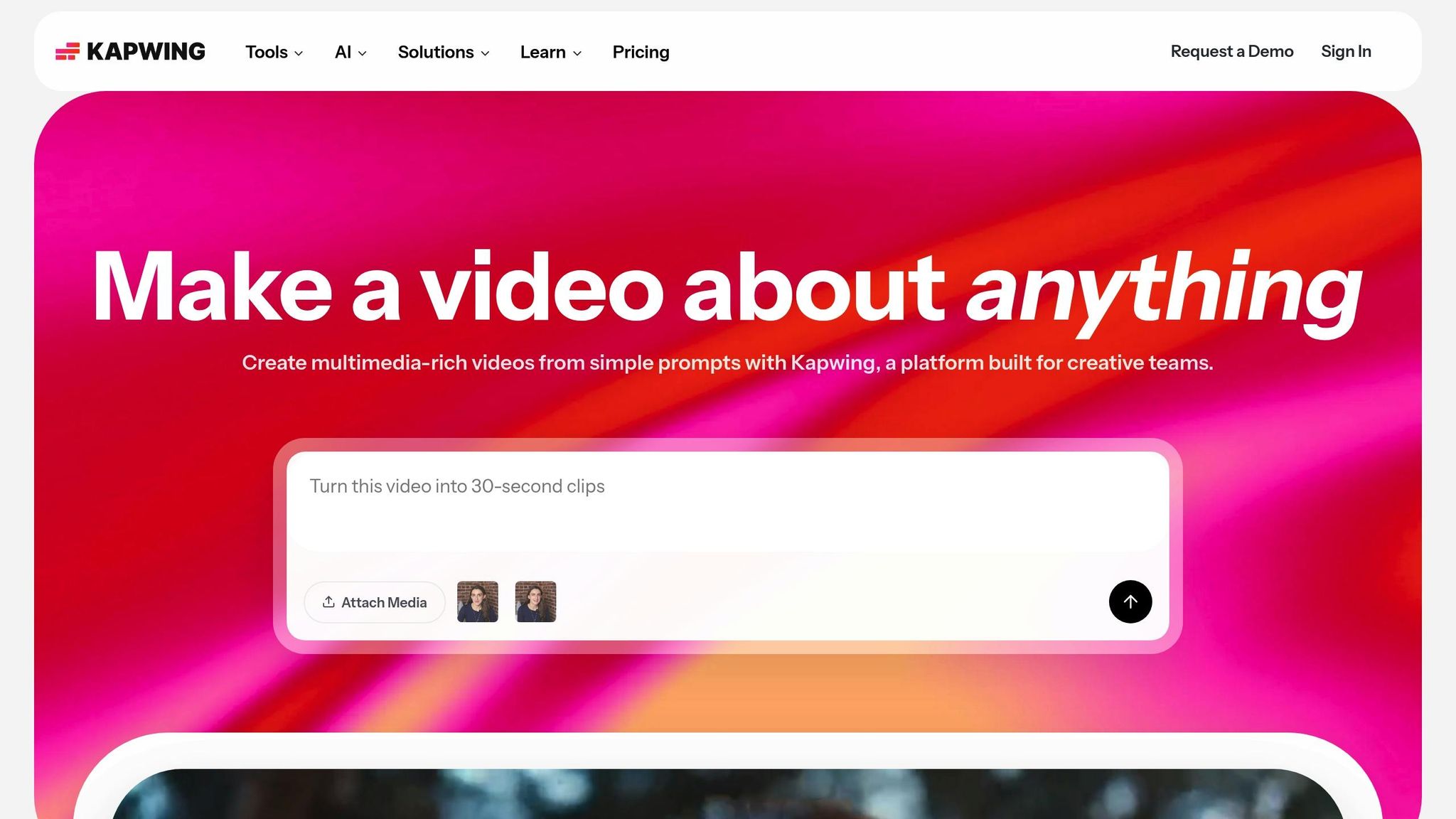
Kapwing combines browser-based editing with team collaboration. Features like Smart Cut for removing silences and real-time collaborative workspaces make it a strong choice for distributed teams. It supports 4K exports and integrates with cloud storage, streamlining workflows for creative teams.
Building Complete Workflows with AI Tools
Now that we've reviewed individual tools, let's dive into how they work together in a smooth editing workflow. Most creators don’t rely on just one tool - they need a pipeline that connects multiple AI tools, handling everything from scripting to publishing. A nine-step pipeline could look like this: Script (Claude or ChatGPT), Storyboard (Midjourney), Image (Flux or DALL-E), Video (Seedance or Kling), Edit (CapCut or Descript), Audio (ElevenLabs), Metadata (TubeBuddy), Publish (Buffer), and Review (YouTube Analytics). This modular setup lets you swap out tools without disrupting the entire process.
For social media creators, the workflow is a bit different. A typical short-form setup might include Seedance 2.0 for clips, CapCut for trendy effects and captions, and Opus Clip for turning long videos into bite-sized, viral-ready content. AI tools handle repetitive tasks like syncing footage, removing silences, and creating rough cuts with tools like RecCloud. This "AI First, NLE Second" approach can cut prep time by 60–90%.
"AI saves 60-90% of prep time. Creativity gets to start earlier." – Cutback.video
Professional post-production workflows often lean on tools like Selects or Descript for syncing multicam footage and rough cuts. Once that’s done, creators move to software like Premiere Pro or DaVinci Resolve for the final touches. For business video production, a combination of Synthesia (AI presenters), Descript (script editing), and a repurposing tool like Vizard.AI can handle everything from internal training videos to social media posts, often leading to higher engagement. It’s worth evaluating how subscription tiers align with your production goals.
Costs vary depending on your needs. A Hobby tier (free to $20/month) with tools like ChatGPT, CapCut, and Seedance works for 2–4 videos per month. The Creator tier ($83–$143/month) adds tools like Claude Pro, Midjourney, and ElevenLabs for 8–12 videos. For larger-scale needs, the Agency tier ($370–$711/month) includes professional tools like DaVinci Resolve Studio and Kling Pro, supporting 30–60 videos monthly. If your production schedule fluctuates, pay-per-use API plans can be a more cost-efficient option.
One golden rule: always review AI-generated captions before publishing. Even with 95–97% accuracy, errors in brand names, slang, or technical terms can slip through and hurt your credibility. The ideal workflow uses AI for repetitive tasks, freeing you to focus on storytelling, pacing, and creative choices that truly engage your audience.
Conclusion
This guide has shown how AI is reshaping the editing process, giving creators more time to focus on what truly matters: storytelling. By 2026, professional editors and media studios are expected to cut editing time by over 60%, turning hours of manual work into minutes. With text-based and prompt-driven workflows, creating a polished 5-minute video now takes under an hour instead of the traditional two to three hours.
When it comes to choosing the right tool, your needs will guide the way. Descript shines for dialogue-heavy podcasts, offering text-based editing that's as simple as editing a document. CapCut and Opus Clip are great for short-form social content, thanks to features like auto-reframe and trendy effects. Meanwhile, Runway and Synthesia are leaders in creating generative visuals and corporate training videos. But no tool does it all. Many creators use a combination - one primary editor for long-form content and another for repurposing clips for social media.
"The right question is not 'which tool has the most AI buttons?' It is: which workflow gets your team from raw generation to publish-ready edits with the fewest retries." – aiEdit.pro
While AI can handle most of the heavy lifting, don’t skip a final review. Check for pacing, visual glitches, and caption errors. Even the best AI transcription tools hit about 95–97% accuracy, so things like brand names and technical terms can slip through the cracks. Keep an eye on your "usable videos per hour" metric, and manage your credit usage like ad spend to avoid blowing through your monthly budget.
Whether you're a hobbyist spending $20 a month or an agency with a $700+ budget, the right mix of AI tools can take you from raw footage to publish-ready content faster than ever. The key is finding tools that fit seamlessly into your workflow without requiring a complete overhaul.
Featured on Flaex