
AI Automation Tools: 7 Ways to Save Time Daily

AI Automation Tools: 7 Ways to Save Time Daily
Feeling overwhelmed by repetitive tasks like emails, scheduling, and admin work? AI automation tools can save you hours every week, helping you focus on what truly matters. Many professionals waste over 40% of their workweek on repetitive tasks - but with the right tools, you can reclaim that time.
Here’s a quick breakdown of 7 AI tools that tackle common productivity challenges:
- Motion: Automates scheduling and task prioritization.
- Lindy: Manages emails, schedules, and administrative tasks seamlessly.
- Zapier: Connects 8,000+ apps to automate workflows.
- Levity: Processes unstructured data like emails and documents efficiently.
- Akiflow: Combines tasks and calendars into one view for better time management.
- Superhuman: Speeds up email management, saving 4+ hours weekly.
- Grammarly: Enhances writing quality and reduces editing time by 50%+.
Each tool is tailored to specific needs - whether it’s managing your inbox, simplifying scheduling, or automating workflows. Start by identifying where you lose the most time, and choose a tool that fits your workflow. With these solutions, you could save up to a full workday every week.
1. Motion
Primary Use Case
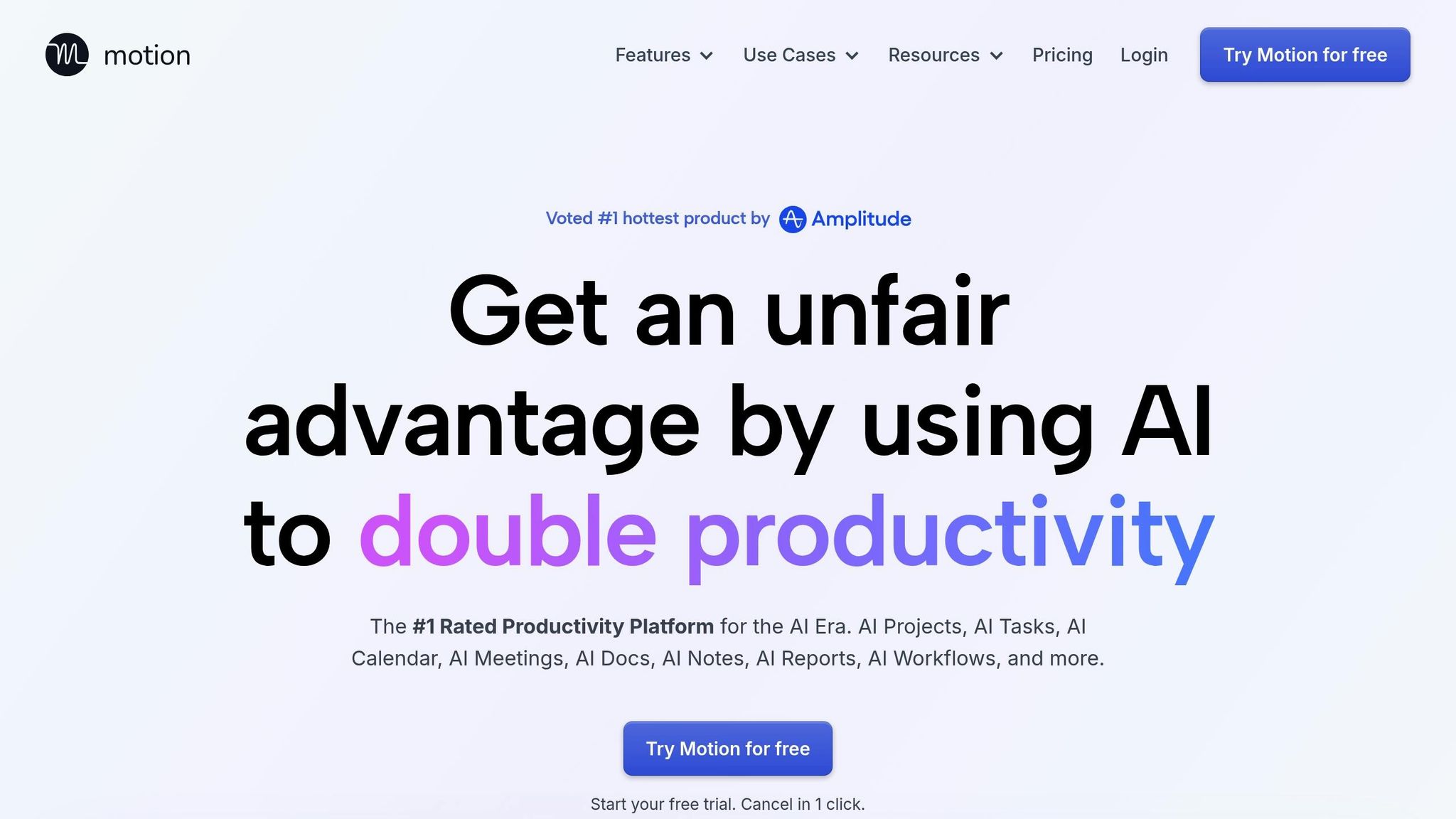
Motion takes the hassle out of scheduling by automatically slotting tasks into the most suitable time blocks around your meetings and deadlines. It adjusts on the fly when your schedule changes. By combining to-do lists, project management tools, and meeting schedulers, it creates a streamlined workspace for managing your day.
Key Automation Capabilities
The Task Planner prioritizes your to-dos based on urgency, deadlines, and how long each task takes. It ensures important items - like ASAP tasks - are tackled first, followed by deadlines, priorities, and durations. Meanwhile, the Meeting Notetaker records calls, summarizes discussions, and turns action items into scheduled tasks, saving you from the hassle of manual note-taking.
One standout tool is the Workflows Builder, which turns simple instructions or Standard Operating Procedures (SOPs) into fully fleshed-out projects, complete with deadlines, tasks, and team assignments. For instance, Joel Peeples, CEO of Ally Advantage, shared that this feature tripled his project management efficiency by streamlining resource allocation. Similarly, MP Cloud eliminated daily scrum meetings entirely thanks to Motion.
Other handy features include converting emails into tasks by forwarding them to a dedicated address and using the Docs Assistant to instantly assign tasks by highlighting text in your notes. Users have reported completing 137% more tasks and saving over 10 hours weekly just by avoiding manual scheduling. Motion’s integrations further boost these time-saving perks.
Integration Ecosystem
Motion works seamlessly with tools you probably already use, such as Zapier, Zoom, Gmail, Outlook, Google Meet, HubSpot, Salesforce, Microsoft Teams, and Slack. It even syncs all your calendars - whether Google, Outlook, or iCloud - into one view, ensuring no double bookings between work and personal events. Plus, you can add tasks on the go using Siri voice commands. These integrations make Motion a powerful tool for keeping your schedule under control across platforms.
Ideal User Profile
Motion is perfect for busy professionals managing packed schedules, like CEOs, project managers, or team leads juggling multiple deadlines. It’s also a game-changer for individuals with ADHD or executive dysfunction who find prioritizing and organizing tasks challenging. One G2 user shared:
Motion has been my best friend in overcoming executive dysfunction... it has taken the stress away from planning my daily workflow.
Whether you’re a solo entrepreneur or part of a team of up to 1,000 in fields like sales, finance, operations, or tech, Motion can make a noticeable difference. Business owner Evan H highlighted its impact:
Motion helped make our business an extra $700,000/year because we were able to complete client projects faster.
Explore AI Tools on Flaex.ai
Discover the best AI tools for your workflow, curated, reviewed, and ranked.
Browse Directory →13 AI Tools That Will Change How You Work Forever
2. Lindy
Lindy takes what Motion does for scheduling and task management and goes a step further, simplifying your daily administrative work.
Primary Use Case
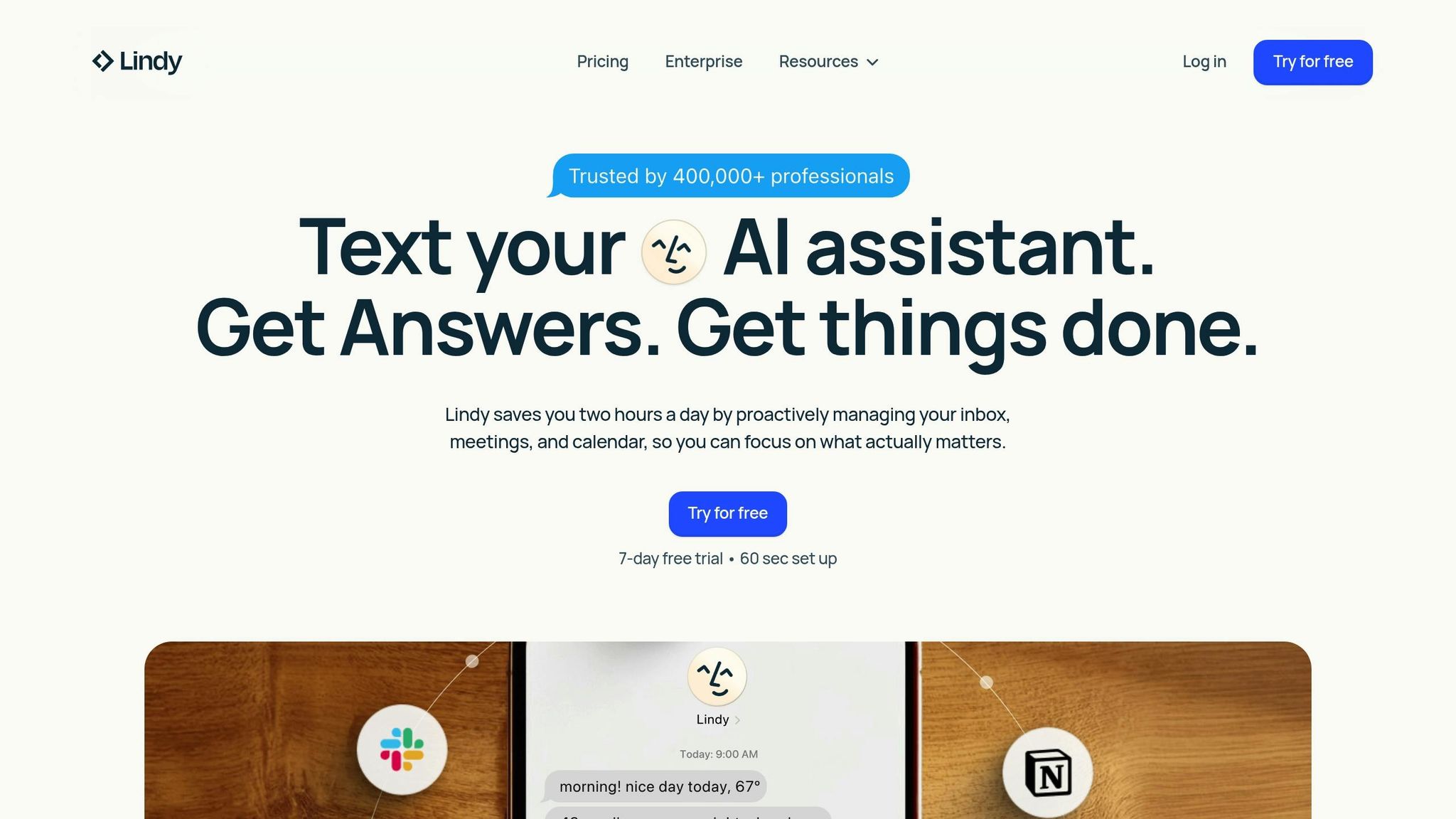
Lindy is more than just an AI assistant - it’s designed to handle your emails, schedule meetings, and coordinate workflows seamlessly. Unlike traditional chatbots, Lindy doesn’t just wait for instructions. It actively prepares you for meetings by pulling in context from past conversations and alerts you to urgent emails via text messages. Plus, it’s incredibly convenient to use, accessible through iMessage, Slack, email, and web browsers.
On average, Lindy can save users two hours a day by automating tasks that typically eat up over 1.5 hours of your time. User Kalsoom shared their experience:
I used to spend 4 hours daily on emails, scheduling, and admin tasks. Lindy AI now handles all of this in 8 minutes while I sleep.
This efficiency forms the foundation for Lindy’s more advanced features.
Key Automation Capabilities
Lindy’s scheduling automation handles everything from negotiating meeting times to sending invites and managing complex bookings across multiple time zones. For email and communication, Lindy organizes your inbox by summarizing long threads, drafting replies that match your tone, and flagging important messages (similar to how Instantly.ai optimizes outbound communication).
One standout feature is the no-code agent builder, which allows you to create custom AI agents using natural language - a process Lindy calls "vibe coding." These agents can perform specialized tasks like lead generation, recruitment screening, or invoice processing. You can even choose a "human-in-the-loop" option to review AI-generated drafts before they’re sent for tasks requiring a personal touch. Additionally, Lindy records meetings, generates searchable transcripts, and organizes conversations into structured data for CRMs or Slack updates.
Integration Ecosystem
Lindy integrates with over 4,000 business tools, including Gmail, Salesforce, HubSpot, Slack, Zoom, Google Meet, Google Calendar, Calendly, Airtable, and Microsoft Outlook. This allows it to sync meeting notes to your CRM, update to-do lists instantly, and move data between platforms without requiring manual input. Built with enterprise-grade security, Lindy complies with SOC 2, GDPR, HIPAA, and PIPEDA standards.
Ideal User Profile
Lindy is perfect for small business owners, operations teams, and professionals without technical backgrounds who want to boost productivity without expanding their team. As of early 2026, it’s trusted by over 400,000 professionals. Pricing begins with a free plan that covers up to 40 tasks per month, while the Pro plan costs $49.99/month and includes features like iMessage access, automated inbox management, and meeting recordings with 5,000 credits. By automating routine admin tasks, Lindy helps users reclaim valuable hours in their day.
3. Zapier
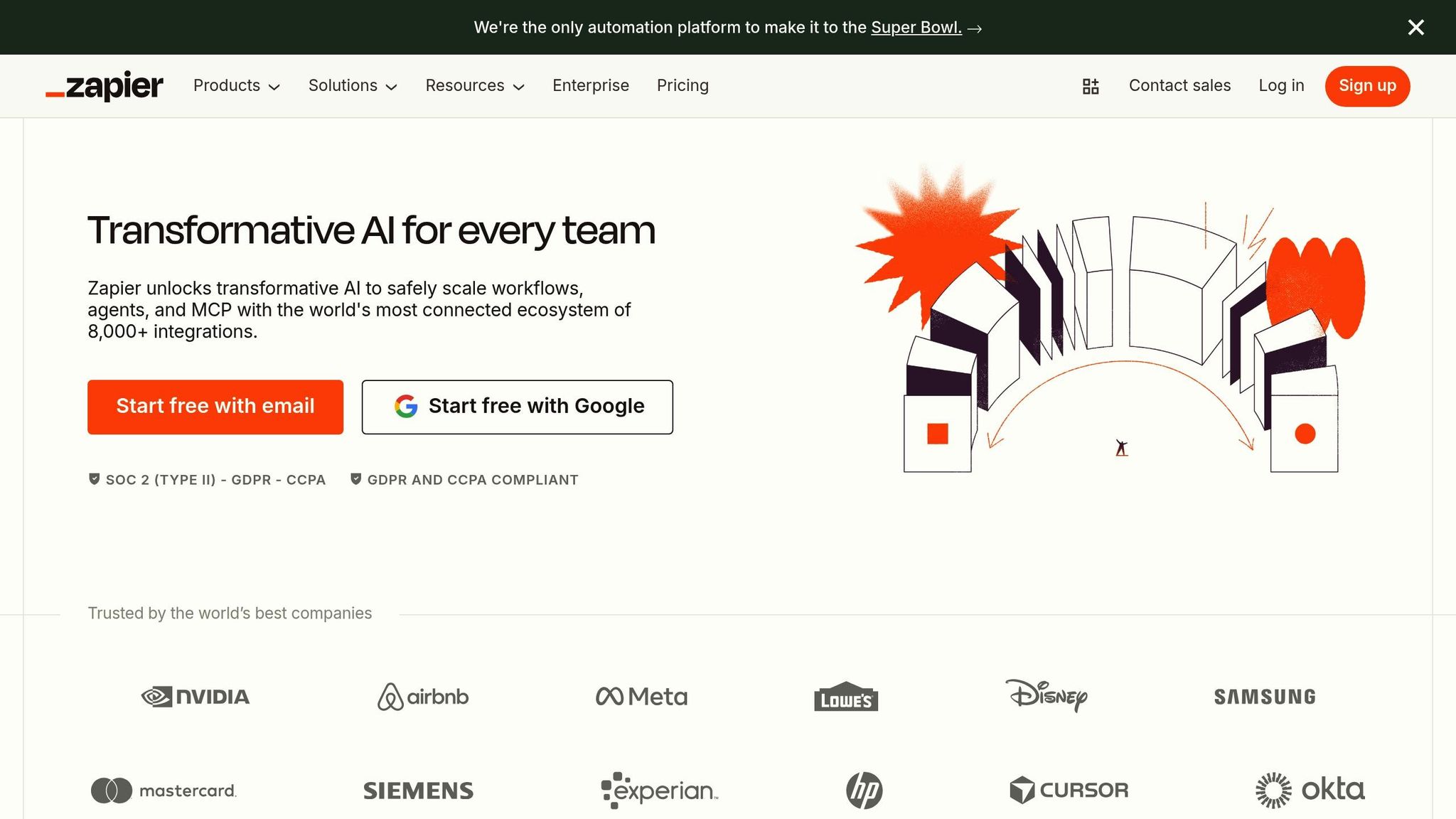
Zapier takes productivity to the next level by automating workflows across your entire software ecosystem. While tools like Motion and Lindy focus on streamlining individual tasks, Zapier connects the dots between platforms, automating how data moves and ensuring everything works together effortlessly. With over 8,000 app integrations, it’s like a digital glue that requires zero coding to set up.
Primary Use Case
Zapier is all about cutting out the repetitive work of moving data between tools. Using its automated workflows, called "Zaps", you can set up actions triggered by specific events. For instance, when someone fills out a contact form, Zapier can automatically add them to your email list, create a task in your project management tool, and ping your sales team - all within seconds.
Remote, a company with 1,700 employees, uses 580 active Zaps, managed by just three people. Marcus Saito, Head of IT and AI Automation at Remote, puts it this way:
Zapier makes our team of three feel like a team of ten.
Key Automation Capabilities
Zapier doesn’t stop at simple triggers. Its AI-powered workflows can handle more complex tasks that involve decision-making. With integrations to nearly 500 AI apps, it can summarize meeting notes, analyze customer sentiment, or extract key details from messy emails. For example, Jacob Sirrs, Marketing Operations Specialist at Vendasta, used Zapier to save 282 days of manual work annually, unlocking $1 million in potential revenue by letting sales reps focus on closing deals.
For even more intricate workflows, Zapier offers tools like Filters, Paths, and Formatters. These features allow for conditional logic and data transformation, making it easier to customize workflows. Tyler Diogo, Operations Manager at Arden Insurance, used these advanced tools to automate over 34,000 work hours a year, saving his company around $500,000 in overhead.
Integration Ecosystem
Zapier’s vast network of integrations is its superpower. With connections to over 8,000 apps - including CRMs, email platforms, project management tools, and communication apps - it acts as a universal translator for your tech stack. The platform boasts 99.99% uptime and complies with major standards like SOC 2, SOC 3, GDPR, and CCPA. This reliability allows teams to create and manage workflows independently, cutting down on manual labor month after month.
Ideal User Profile
Zapier is perfect for operations teams, marketers, and small business owners looking to scale their workflows without adding more staff. More than 3.4 million businesses already rely on it. Even its free tier offers robust features, including tools like Zapier Tables and Interfaces for data storage and custom form creation, all at no additional cost.
4. Levity
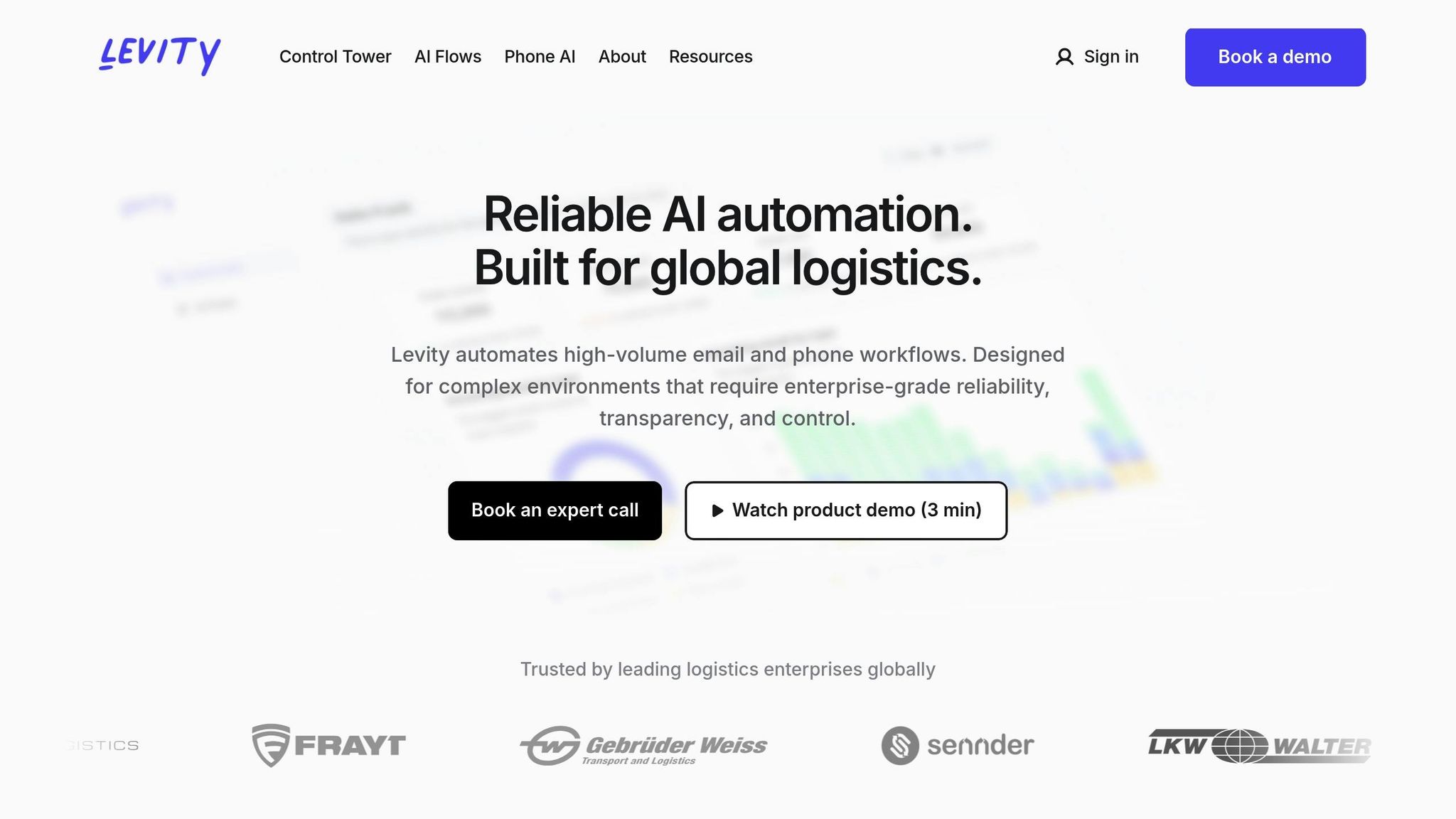
Levity is an AI tool designed to tackle the chaos of unstructured data, particularly for logistics enterprises and freight brokerages. It transforms messy emails, PDFs, and phone calls into organized workflows - all without requiring any coding skills. This makes it an excellent choice for businesses looking to streamline operations and save time managing high volumes of communication.
Primary Use Case
Levity shines in environments with overwhelming, unstructured communication. The platform can read emails, extract important details from documents or images, and process everything based on your business rules. For example, in May 2025, FRAYT, a last-mile delivery platform, used Levity to automate its freight quoting process. According to CEO Luke Denny, the tool cut their time-to-quote from 15 minutes to just 2 minutes - a stunning 86% reduction. This efficiency allowed the team to manage over 4,000 extra quote opportunities monthly without hiring additional staff.
By automating these repetitive tasks, Levity helps businesses focus on higher-value activities while improving overall efficiency.
Key Automation Capabilities
Levity's AI Flows combine artificial intelligence with rule-based logic, achieving over 99% reliability for critical operations. Its Phone AI feature takes over tasks like load check-ups, tracking updates, and invoice follow-ups, functioning as a virtual assistant for calls. Additionally, the Control Tower dashboard provides a detailed view of operations, highlighting where manual processes are slowing things down and costing money.
In January 2026, Core Logistics demonstrated the platform's impact by integrating Levity between their communication tool (Front) and transportation management system (Turvo). This integration eliminated manual data entry for 2,000 monthly orders. Kevin Mangold Arias, Head of Corporate Digital Services at Gebrüder Weiss, summarized Levity's value:
Levity helps us uncover clarity in areas we previously couldn't measure and unlock automation where we never thought it was possible.
Ideal User Profile
Levity is tailored for operations teams in logistics, freight brokerages, and global enterprises dealing with unstructured communication overload. It supports over 10 languages and meets enterprise-grade security standards, including ISO 27001, SOC 2, and GDPR compliance. Pricing starts at $49 per month for startups, with a free tier available for testing.
5. Akiflow
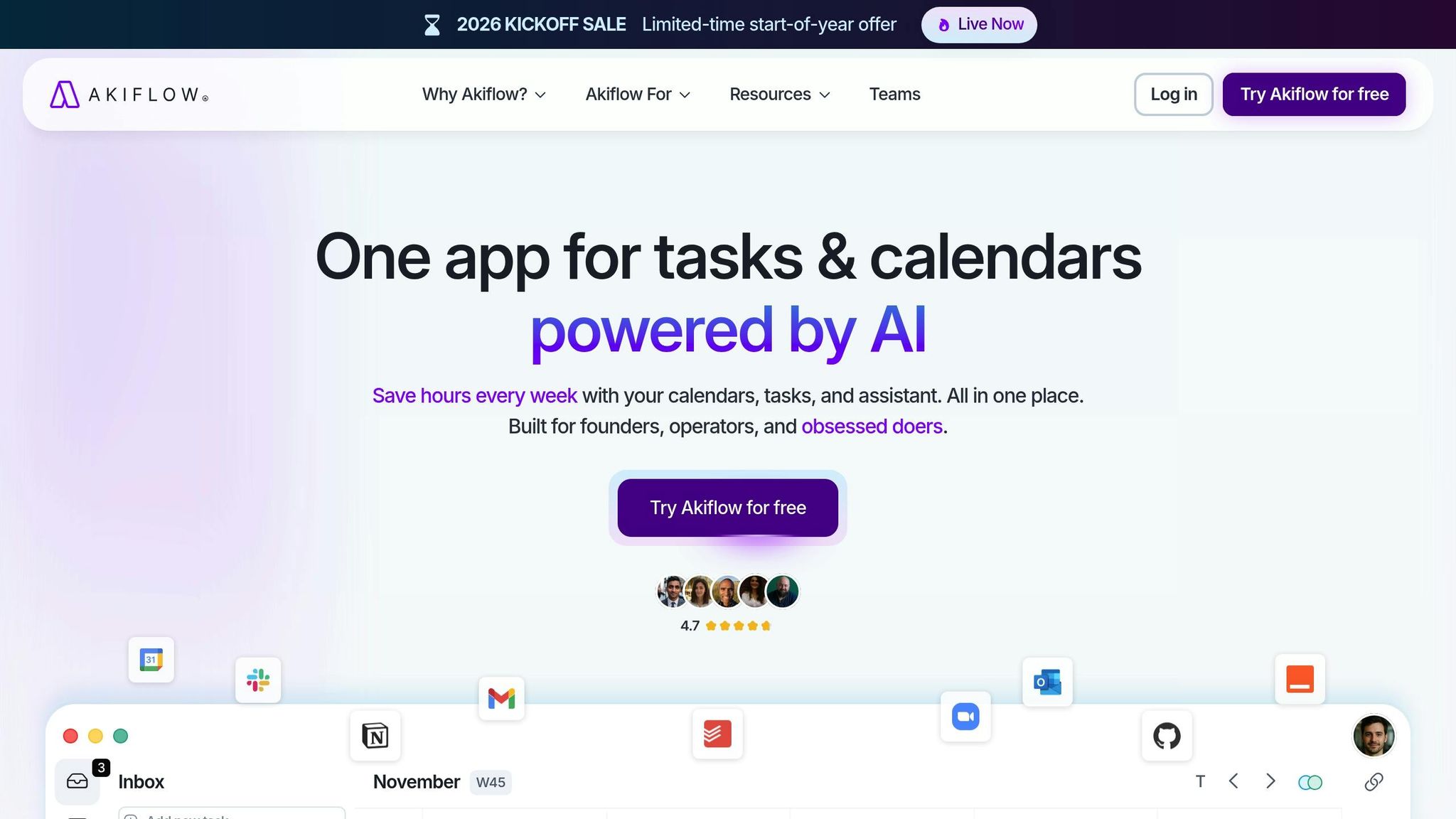
Akiflow brings together tasks and calendars from tools like Gmail, Slack, Asana, and more into one streamlined view. This eliminates the hassle of jumping between apps, potentially saving up to 2 hours every day.
Primary Use Case
Akiflow is designed to simplify the lives of busy professionals - founders, executives, developers, and marketers - who deal with packed, unpredictable schedules. By consolidating tasks and calendars into one place, it helps users regain control over their time. One founder shared:
Akiflow is my second brain in terms of managing my time. I don't know how to function without it. It integrates with everything in my workflow so that I know all of my tasks are going to be in one place when I need them.
Key Automation Capabilities
The platform’s Aki AI Assistant responds to natural language commands like "clear my afternoon" or "reschedule conflicts" with immediate action. It also features Smart Time Blocking, which slots tasks into available calendar openings based on deadlines and priorities, and manages recurring tasks automatically. Tools like the Focus Mode timer and daily planning rituals help users stay organized and distraction-free. Studies reveal that professionals lose around 1 hour and 15 minutes each day on tasks outside their main responsibilities - Akiflow aims to reclaim that time through automation.
Integration Ecosystem
Akiflow seamlessly connects with tools like Google Calendar, Outlook, Gmail, Slack, Notion, Asana, and Zoom. Through Zapier and IFTTT, it supports thousands of additional integrations. Its 2-way synchronization ensures that any updates made in Akiflow or the connected apps are instantly reflected across platforms. Most users can fully integrate their workflows in just 20 minutes.
Ideal User Profile
More than 10,000 professionals use Akiflow to streamline their workflows and save time. Pricing starts at $19 per month (annual billing), and a 7-day free trial offers complete access to the Aki AI assistant. As one R&D professional noted:
Akiflow helps by bringing my calendars and to-do lists into a single application, which is more efficient than the multiple tools I used before.
6. Superhuman
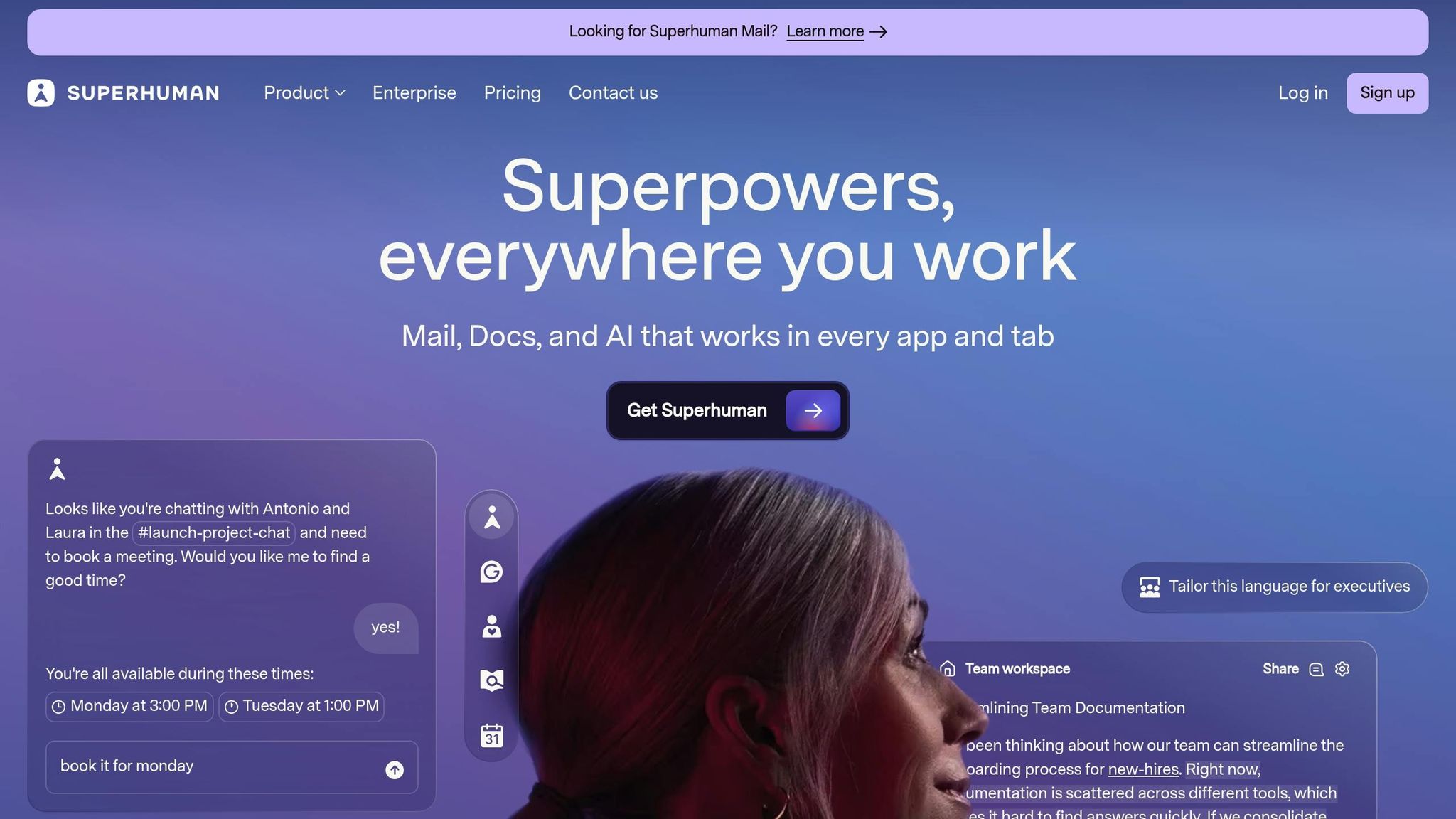
Superhuman turns email into a productivity powerhouse by ensuring interactions happen in just 100 milliseconds. This speed-focused design helps users stay in their groove, saving an average of 4 hours per week - a game-changer for anyone managing a high volume of emails.
Primary Use Case
Superhuman takes email efficiency to the next level with automation features that simplify task scheduling and message management. It’s especially useful for executives, founders, and sales teams handling 200+ emails daily, keeping them on track with "Inbox Zero." Its AI-driven triage system automatically categorizes incoming emails into personalized "Splits" like VIPs, Team, or Newsletters, ensuring critical messages are front and center. On average, teams using Superhuman respond to emails 12 hours faster and process twice as many emails compared to standard email clients.
Key Automation Capabilities
Superhuman’s AI tools are built to save time and boost productivity. Here’s how:
- Polished Emails Instantly: Notes are transformed into professional emails that match your tone.
- Instant Reply: Context-aware drafts are auto-generated, cutting email writing time in half.
- Auto Summarize: Long email threads are condensed into one-line summaries, so you don’t have to wade through endless back-and-forths.
These features enable professionals to write 59% more business emails per hour and save 37% more time overall.
Akash Bhatia, Managing Director & Senior Partner at BCG, captured it perfectly:
I can't imagine email without Superhuman. It would be like going back to the stone age.
Similarly, Jyri Engeström, a Twitter user, shared this comparison:
Superhuman AI integration is to my inbox like driving a legacy car with manual shift & no power steering until one day someone hands you a fully self-driving Tesla.
Integration Ecosystem
Superhuman seamlessly connects with Gmail and Outlook, while also working natively with tools like Salesforce, HubSpot, Pipedrive, and Google/Outlook Calendars. The Superhuman Go AI assistant extends its capabilities to over 100 apps - including Slack, Jira, and Salesforce - offering proactive context and scheduling support without requiring users to switch tabs. Additionally, frequently used email templates can be saved as Snippets, complete with attachments and CC/BCC fields, making replies faster and more efficient.
Ideal User Profile
Superhuman is available for individuals at $25 per user, per month (billed annually), with custom enterprise pricing for teams. While its keyboard-focused design may take some getting used to, the payoff is clear: users send and respond to 72% more emails per hour.
7. Grammarly
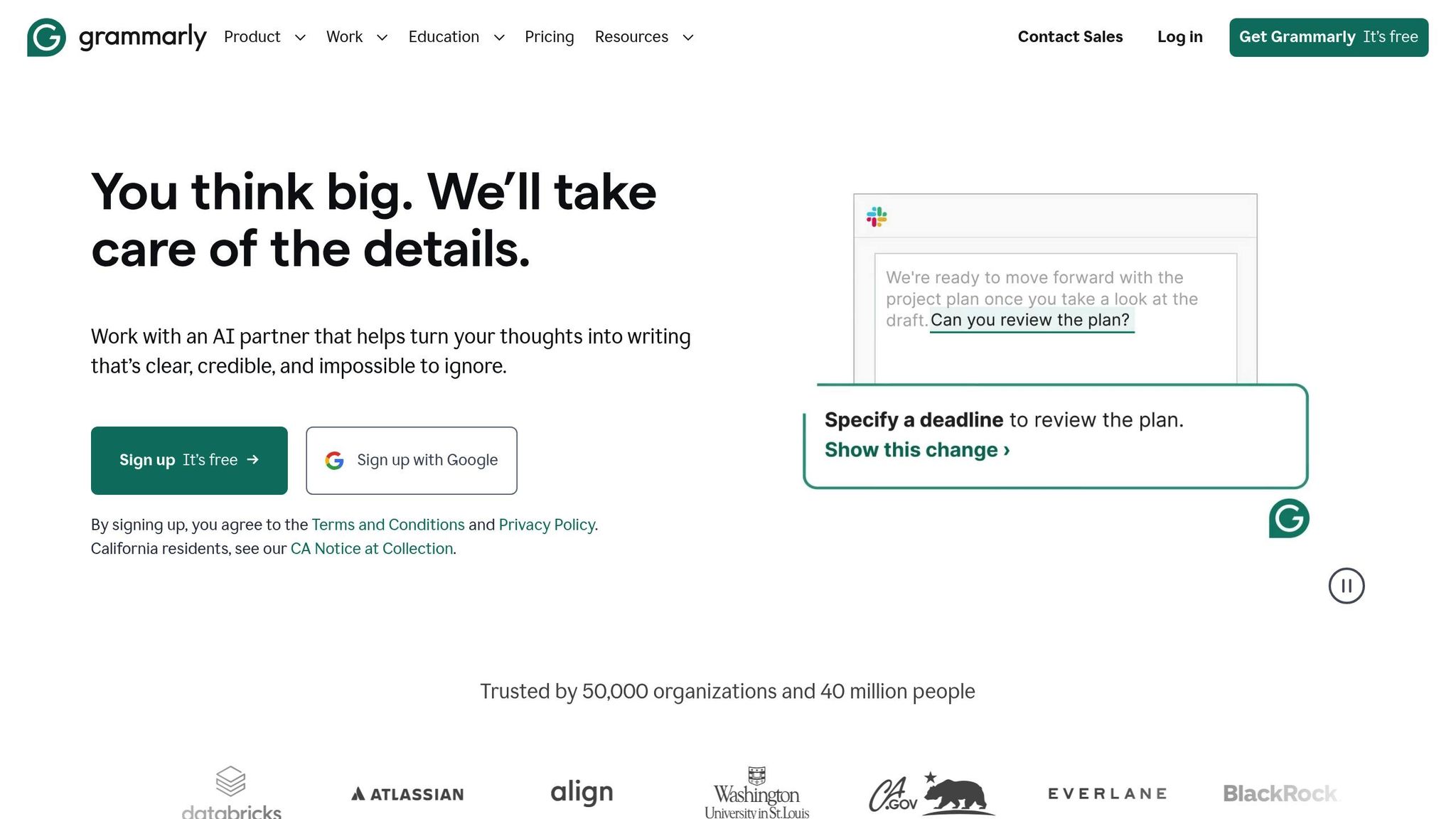
Grammarly brings AI-powered writing assistance to over 1 million apps and websites, making it a widely integrated tool across platforms. With 40 million users and 50,000 organizations relying on it daily, Grammarly helps professionals save time by reducing repetitive editing tasks.
Primary Use Case
Grammarly addresses a common productivity issue: professionals lose up to 9% of their annual work time - about five weeks - just switching between apps to refocus. Its proactive "Go" AI assistant integrates seamlessly into workflows, summarizing long email threads, generating replies that fit the context, and even suggesting next steps like scheduling meetings - all without requiring specific prompts [68,72].
Neil Hamilton, Head of Editorial at Databricks, shared his experience:
I used to spend 20–30 hours a week reviewing, rewriting, and coaching. Grammarly has cut that by at least half, and that's allowed my team to scale without scaling.
This makes Grammarly an essential tool for professionals looking to simplify and speed up their writing processes.
Key Automation Capabilities
Grammarly does more than just check spelling and grammar. Its generative AI can create outlines, proposals, and even complete drafts based on prompts, similar to how OneAI streamlines content generation. With one click, it can rewrite paragraphs to improve clarity and tone [67,71]. Specialized AI tools, like the Citation Finder (which formats missing citations in APA, MLA, or Chicago styles) and the Fact Checker (which flags contradictory claims), further enhance its functionality [72,73]. For international teams, Grammarly offers real-time corrections and rewrites in multiple languages, plus support for translating content into 19 languages [71,72].
Organizations using Grammarly report a 66% improvement in communication quality. Matt Torman, Former Marketing Content Manager at Zoom, highlighted its impact:
Grammarly allows us to scale and spend more time on high-impact projects. It reduces the writing minutiae so we can focus on helping our global audiences in meaningful ways.
Integration Ecosystem
Grammarly integrates effortlessly with tools professionals use daily, including email platforms like Gmail, Outlook, and Apple Mail; messaging apps like Slack, Microsoft Teams, and Discord; and document editors like Google Docs, Microsoft Word, and Notion. It also works with specialized tools like Salesforce, Figma, Jira, and HubSpot [67,71]. Teams can create advanced snippets with dynamic fields and use shared style guides to maintain a consistent brand voice across all communications [71,72].
Ideal User Profile
Grammarly caters to a wide range of users. The free tier offers basic writing suggestions and early access to the "Go" assistant [68,71]. Paid plans unlock more advanced features: Pro users get 1,000 AI prompts per month and full-sentence rewrites, while Business plans include collaborative tools like brand voice settings and team dashboards. Enterprise customers enjoy unlimited AI prompts and enhanced security, with AI training turned off by default to protect data privacy [68,71]. Jeanette Stock, Co-founder of Venture Out, summed it up perfectly:
Grammarly ensures my communications are polished and professional. Grammarly is like a little superpower, especially when I need to be at 110%.
Tool Comparison Overview
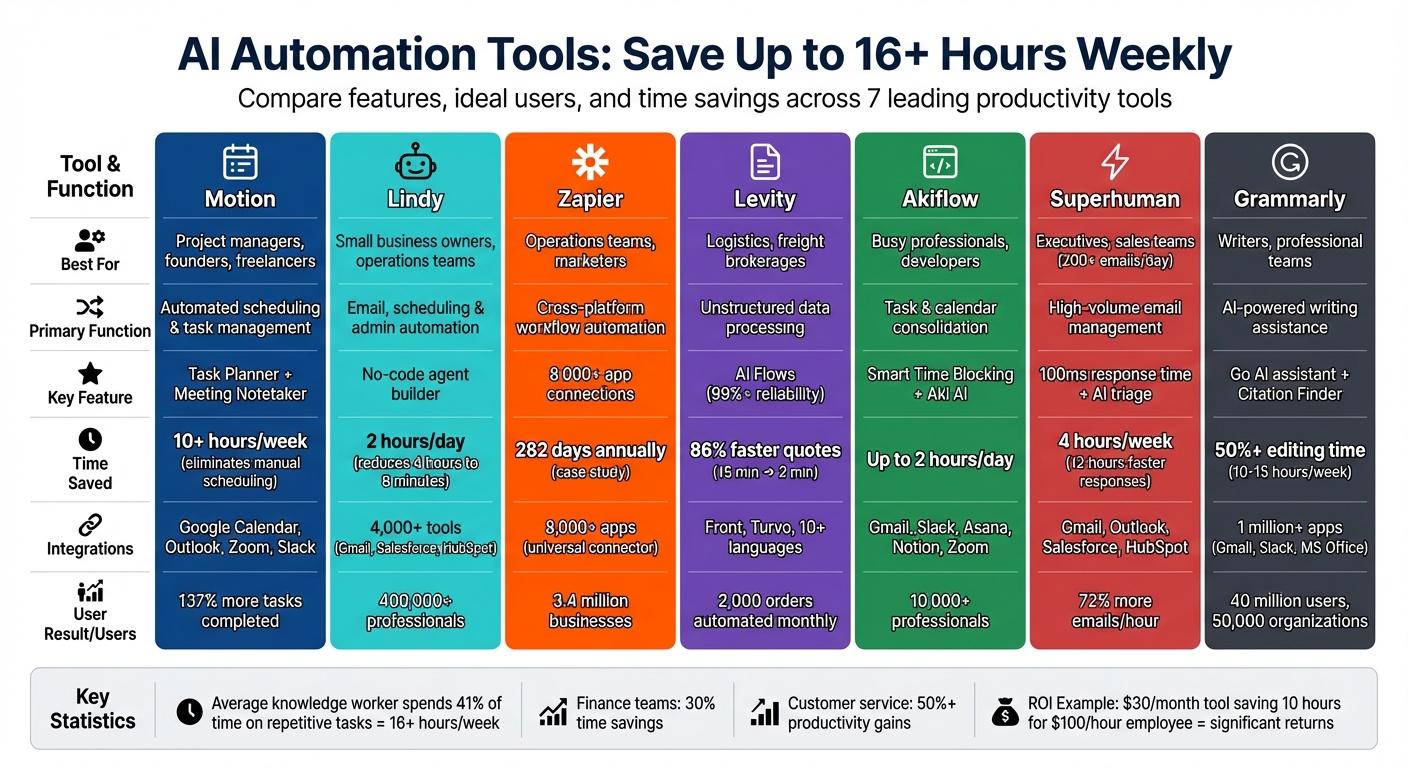
AI Automation Tools Comparison: Features, Use Cases, and Time Savings
Choosing the right AI automation tool starts with identifying where you're losing the most time. Did you know the average knowledge worker spends 41% of their time on repetitive tasks? That’s over 16 hours each week that could be automated, according to the detailed tool breakdowns above. Each tool is designed to target a specific productivity challenge, whether it’s managing email overload or solving scheduling headaches or organizing complex tasks.
Take Superhuman, for instance - it’s perfect for those dealing with 200+ emails daily. Meanwhile, Zapier connects over 8,000 apps, making it easier to automate workflows across platforms. Motion is a lifesaver for project managers juggling complex schedules, and Grammarly ensures professional communication stays polished and consistent.
AI automation isn’t just for individuals. Finance teams have reported saving 30% of their time, while customer service departments have seen over 50% productivity gains.
Here’s a quick comparison of these tools, spotlighting their strengths and the time they can save:
| Tool | Best For | Primary Use Case | Key Integrations | Time Saved |
|---|---|---|---|---|
| Motion | Project managers, founders, freelancers | Automated scheduling and task management | Google Calendar, Outlook | Eliminates manual calendar planning |
| Zapier | Lean teams, marketers | Connecting 8,000+ apps | Over 8,000 apps (universal) | Automates cross-platform workflows |
| Superhuman | Executives, sales teams | High-volume email triage | Gmail, Outlook, Salesforce, HubSpot | Saves 4 hours/week; responds 12 hours faster |
| Grammarly | Writers, professional teams | Brand-consistent communication | Browser-wide, MS Office, Slack, Teams | Cuts editing time by 50%+ |
This table highlights how these tools can help you reclaim valuable time. The next step? Pinpoint your biggest time sinks and pick the tool that aligns with your needs.
Conclusion
The best AI automation tool for you depends on where you're feeling the most pressure. If emails are eating up your time, Superhuman can save you around 4 hours per week and help you respond 12 hours faster on average. If scheduling feels like an endless headache, Motion can bring order to the chaos. For those managing complex workflows across multiple apps, Zapier connects over 8,000 platforms to automate tasks - no coding required. Each tool is tailored to tackle specific productivity hurdles, helping you reclaim precious hours in your workday.
To get the most out of these tools, start by auditing your workflow. Pinpoint your biggest time drain - whether it’s sorting emails, managing your calendar, repetitive data entry, or inefficient communication. Research suggests that addressing your main productivity bottleneck first can save you up to a full workday every week. For example, use Grammarly to sharpen your communication, Levity to organize data, Akiflow for managing tasks, or Lindy to handle routine processes.
Introduce one tool at a time to your team. Start small - pilot it with 3–5 team members over 2–4 weeks, monitor how much time it saves, and then expand its use. These AI tools are built to simplify your workload and improve efficiency. And don’t forget to consider the ROI: a $30/month tool that saves 10 hours for an employee earning $100/hour can deliver impressive returns.
Featured on Flaex