Back to Database
Whimsical
VERIFIED

Whimsical

0.0(0)

Whimsical is a digital whiteboard platform for diagramming, wireframing, and process mapping with integrated AI for generating visual structures.

Productivity & OpsFreemium

Boost this tool

Subscribe to listing upgrades or segmented pushes.
Log in to purchase

UI Portfolio

Whimsical screenshot 1

Overview

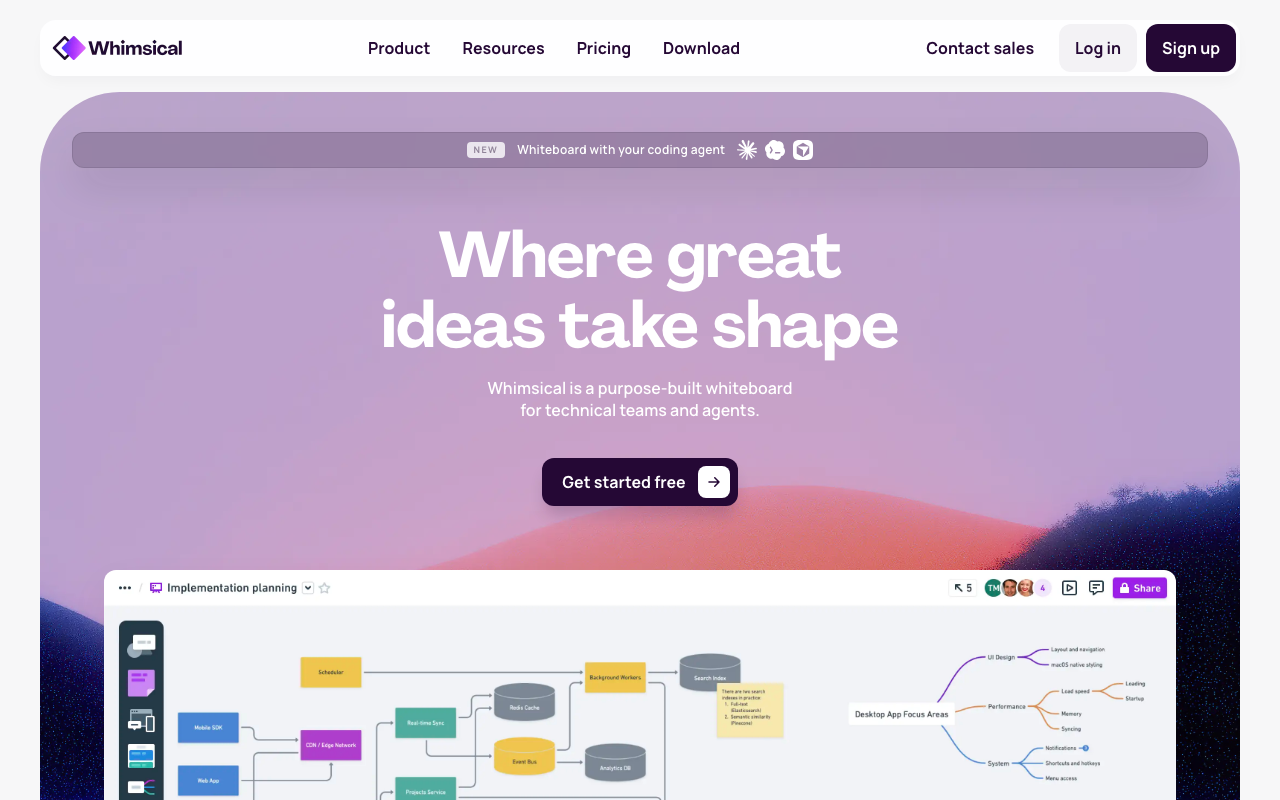
Whimsical provides an infinite canvas to structure information through diagrams, flowcharts, mind maps, and wireframes. Unlike rigid documentation tools, it treats objects as nodes that connect automatically, keeping lines attached when you move elements. It serves as a scratchpad for early-stage project planning.

Key Features

AI Diagram Generation - Quickly create flowcharts, mind maps, and sequence diagrams from text prompts.
Flowcharts - Visualize processes and workflows with ease.
Mind Maps - Brainstorm and organize ideas visually.
Wireframes - Create interactive prototypes and mockups.
Documents - Collaborate on written content and project documentation.
Templates - Access pre-built templates for various use cases.
Real-time Collaboration - Work together simultaneously with live updates.
Infinite Canvas - Explore ideas without limitations.
Embeds - Integrate content from other platforms seamlessly.
Presentation Mode - Create polished presentations directly from your diagrams and documents.

Use Cases & Problems Solved

Use Cases

  • Use when brainstorming new product features with your team.
  • Perfect for visualizing complex workflows and processes.
  • Ideal if you need to create wireframes or mockups quickly.
  • Use when documenting product specifications and user stories.
  • Perfect for mapping out customer journeys.
  • Ideal if you need to present complex information in a clear, concise manner.
  • Use when aligning stakeholders on project goals and timelines.

Problems Solved

  • Reduces miscommunication and misunderstandings within product teams.
  • Eliminates the need for multiple disparate tools for documentation, diagramming, and wireframing.
  • Speeds up the brainstorming and planning process.
  • Improves team alignment and collaboration.
  • Reduces time spent creating diagrams and documentation manually through AI automation.

Who It's For

Product managersUX/UI designersSoftware engineersProject managersBusiness analystsAgile teams

Fit Analysis

Best For

Rapid technical documentation, system architectural design, and user flow mapping.

Not Ideal For

High-fidelity UI/UX design, marketing asset creation, or long-form documentation.

FAQ

Metrics

Discovered12/26/2025
Reviews0
Saved By0 users

Related Tools