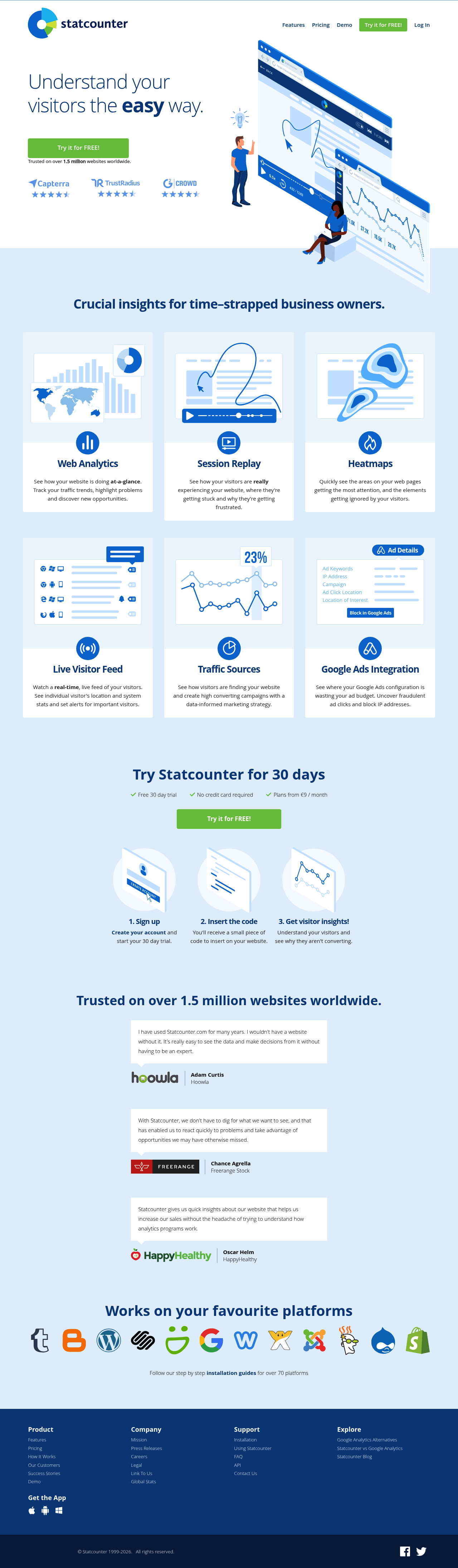
Statcounter provides essential web analytics, session replay, and heatmap tools to understand website visitors and boost conversions.
Boost this tool
Subscribe to listing upgrades or segmented pushes.
Statcounter is a web analytics platform that provides website owners with insights into visitor behavior. It offers tools such as web analytics, session replay, heatmaps, and live visitor feeds, helping users understand how visitors interact with their website and identify areas for improvement. By tracking traffic trends and highlighting potential issues, Statcounter helps users make data-driven decisions to optimize website performance.
Statcounter functions by embedding a small code snippet on a website. Once installed, it collects data on visitor activity, including page views, session durations, and traffic sources. The platform presents this data in a dashboard, allowing users to identify key trends and patterns.
Statcounter is suited for business owners, marketers, and website administrators looking to improve website performance and user experience. It is useful for those who need a comprehensive analytics solution that goes beyond basic traffic statistics, offering session replay and heatmap features for a deeper understanding of user behavior.
Best for website owners and marketers who need a comprehensive yet easy-to-use analytics platform to understand visitor behavior and optimize their website for conversions.
Not ideal for enterprises requiring highly sophisticated and customizable analytics solutions with advanced data segmentation and API access.
