Rows
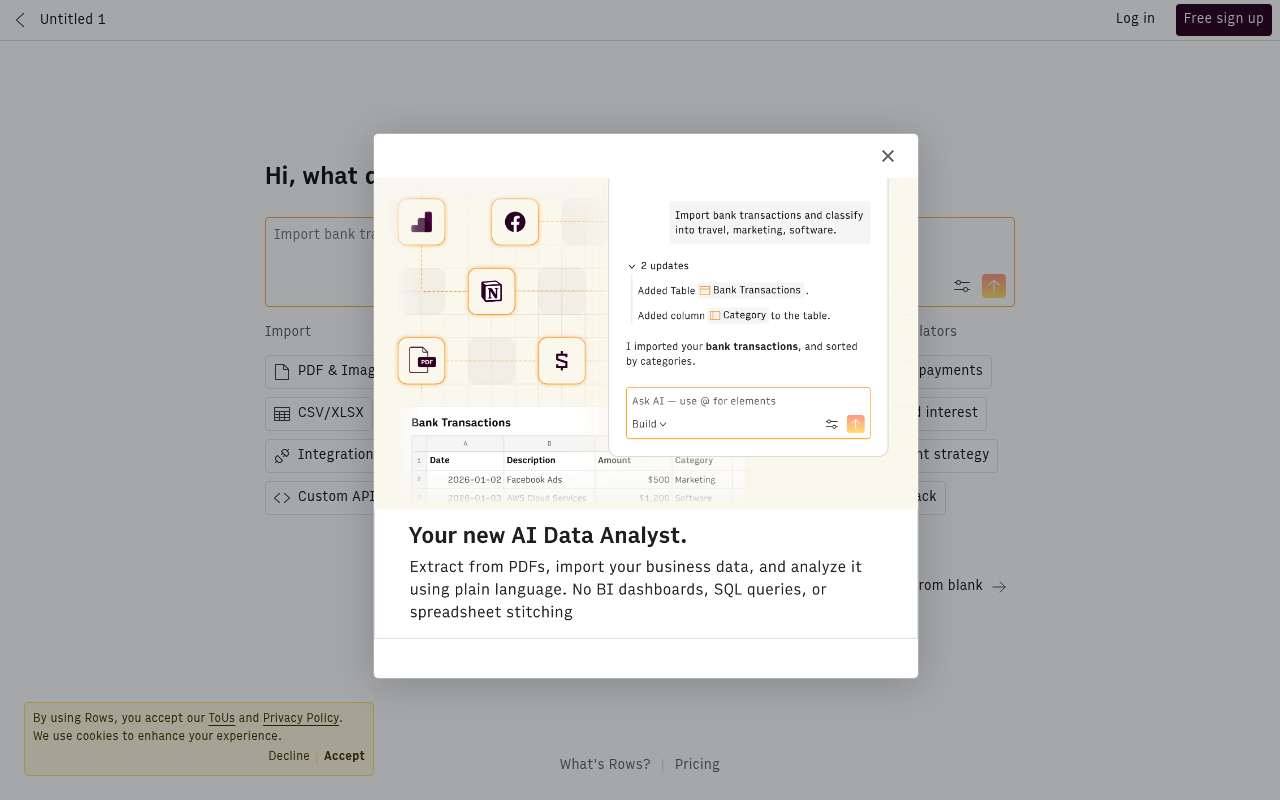
Rows is a spreadsheet with built-in integrations and AI, letting you import data, build tools, and automate workflows without code.
Boost this tool
Subscribe to listing upgrades or segmented pushes.
Overview
Rows is a spreadsheet platform that blends the ease of traditional spreadsheets with the power of integrations and AI. It enables users to import data from diverse sources, such as PDFs, CSV/XLSX files, and custom APIs, and then analyze and manipulate that data within a familiar spreadsheet environment. The platform's core strength lies in its ability to automate complex workflows and build custom tools without requiring any code.
Key Features
- Import data from PDFs, CSV/XLSX files, and custom APIs.
- Built-in integrations with services like Google Search Console, Facebook, and YouTube.
- Built-in functions and AI tools for data analysis.
- Ability to extract data from PDFs and images.
- Custom API creation.
- Automated data updates on a schedule.
Who It's For
Rows is particularly well-suited for marketers, financial analysts, and small business owners who need to work with data but lack coding expertise. It's an excellent option for those seeking to automate data analysis and reporting, construct custom business tools, and derive insights from their data without the complexities of traditional programming.
Key Features
Use Cases & Problems Solved
Use Cases
- •Use when you need to build a marketing dashboard to track key performance indicators from various sources.
- •Perfect for automating financial reporting and analysis, such as calculating monthly expenses and cash flow.
- •Ideal if you need to create models and calculators, such as mortgage payment or compound interest calculators.
- •Use when you want to integrate data from multiple sources, like Google Search Console and Facebook Ads, into a single view.
- •Perfect for extracting data from PDFs or images and using it in your spreadsheets.
- •Ideal if you need to create custom tools and workflows without writing code.
Problems Solved
- ✓Eliminates the need for manual data entry by automating data imports from various sources.
- ✓Reduces the time spent on data analysis by providing built-in AI tools and functions.
- ✓Simplifies the process of building custom tools and workflows without requiring coding skills.
- ✓Eliminates data silos by integrating data from multiple sources into a single spreadsheet.
- ✓Reduces errors in data analysis by automating calculations and data transformations.
Who It's For
Fit Analysis
Best For
Best for data-driven professionals who need to automate data analysis and reporting without coding.
Not Ideal For
Not ideal for users who require complex statistical analysis or specialized data modeling capabilities.
