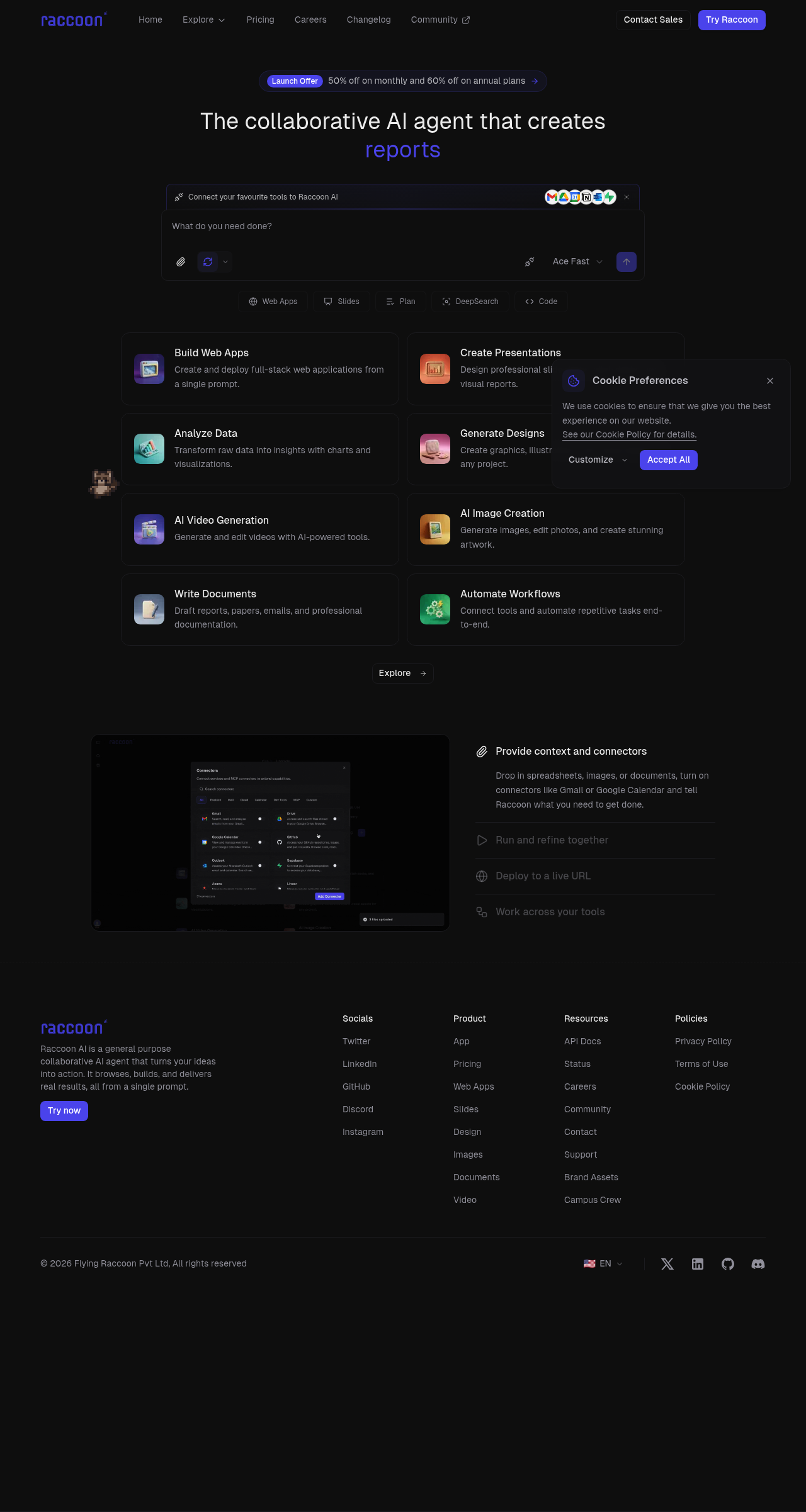
Raccoon AI: The collaborative AI agent to build web apps, presentations, reports, and more from a single prompt. Boost your productivity!
Boost this tool
Subscribe to listing upgrades or segmented pushes.
Raccoon AI is a collaborative AI agent designed to streamline your workflow by creating web apps, presentations, reports, and other digital assets from a single prompt. It connects to your favorite tools like Gmail, Google Drive, Notion, and more, enabling it to leverage your existing data and workflows to generate tailored outputs. Raccoon AI aims to reduce the time and effort required for content creation and application development.
Raccoon AI works by allowing users to connect their preferred tools and provide context through documents, spreadsheets, or images. Once connected, you provide a prompt detailing your desired outcome. Raccoon AI then uses its AI models to generate the requested asset, whether it's a web application, slide deck, or data analysis report. Key features include AI-powered content generation, workflow automation, and integration with popular productivity tools.
Raccoon AI is ideal for entrepreneurs, small business owners, and professionals looking to enhance their productivity and automate repetitive tasks. It's particularly useful for those who need to quickly create web applications, presentations, reports, or other digital assets without extensive coding or design skills. Raccoon AI empowers users to focus on strategy and execution by handling the heavy lifting of content creation and app development.
Best for entrepreneurs and small businesses who need to quickly create web apps, presentations, and automate workflows without extensive technical skills.
Not ideal for large enterprises needing highly customized and complex software solutions requiring extensive human oversight and control.
