Back to Database
Ocr
VERIFIED

Ocr

0.0(0)

Extract text from images and PDFs with Ocr.z.ai, a fast and simple online OCR tool. Get accurate, editable text from any visual source.

ProductivityFree

Boost this tool

Subscribe to listing upgrades or segmented pushes.

Log in to purchase

Overview

Ocr.z.ai is a web-based Optical Character Recognition (OCR) tool that allows users to quickly and easily extract text from images and PDF documents. It simplifies the process of converting scanned documents, photos, and other visual media into editable text formats, saving time and effort. The primary benefit is its ease of use and accessibility, requiring no software downloads or installations.

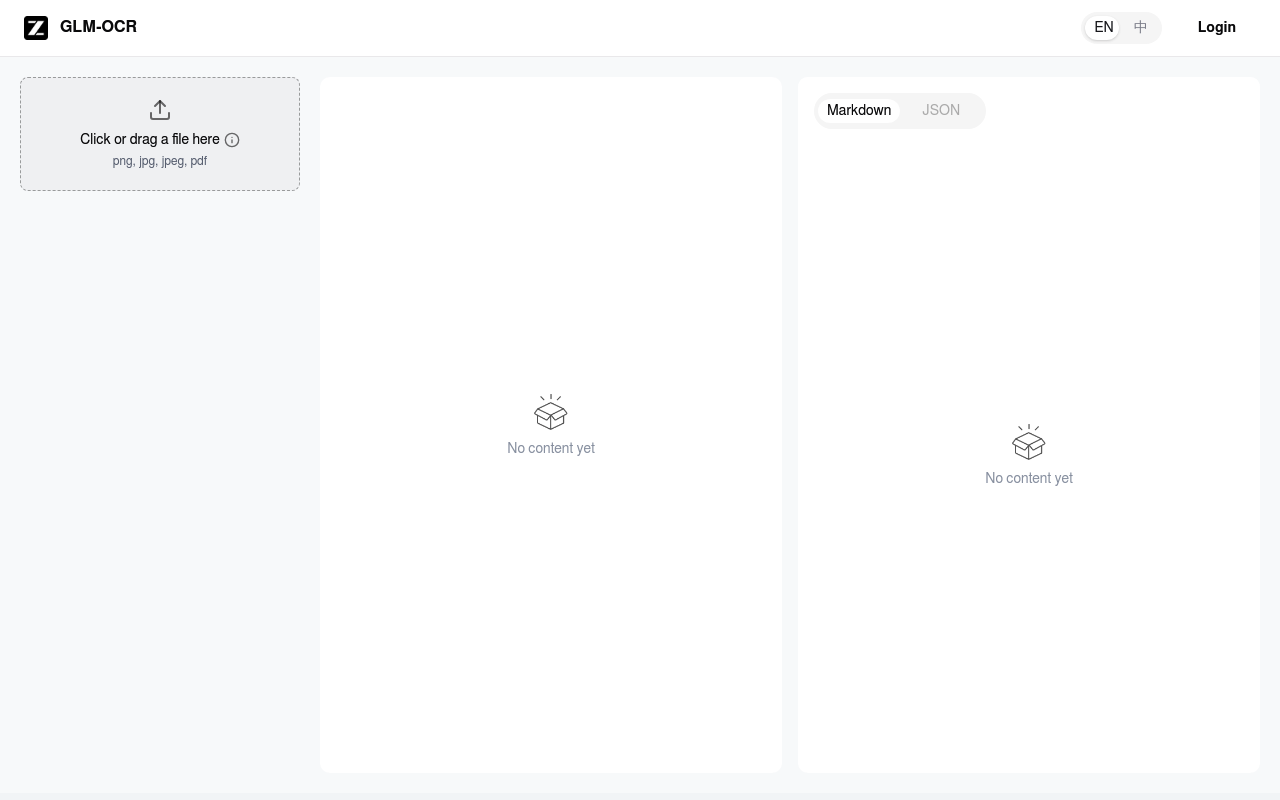
To use Ocr.z.ai, users simply drag and drop or click to upload their files (PNG, JPG, JPEG, or PDF). The tool then processes the image or document and extracts the text, which is presented in a clean, editable format. Key features include support for common image and document formats, a drag-and-drop interface for easy uploading, and a straightforward output display.

Ocr.z.ai is ideal for students, researchers, office workers, and anyone who needs to convert visual content into editable text. It's a valuable tool for digitizing documents, extracting information from screenshots, or making image-based text searchable. Users would choose Ocr.z.ai for its speed, simplicity, and accessibility, especially when they need a quick and hassle-free OCR solution.

Key Features

Drag-and-drop interface - easily upload files for conversion
Supports multiple formats (PNG, JPG, JPEG, PDF) - compatible with common file types
Fast processing - quickly extract text from images and documents
Clean output display - view and edit extracted text easily
Web-based accessibility - use the tool from any device with an internet connection
No software installation required - start using the tool immediately without downloads
Markdown output - export extracted text in Markdown format

Use Cases & Problems Solved

Use Cases

  • Use when you need to quickly extract text from a scanned document without installing any software.
  • Perfect for converting image-based text into editable formats for reports and presentations.
  • Ideal if you need to digitize handwritten notes or printed materials for archiving.
  • Use when you want to extract text from screenshots or images found online.
  • Perfect for making scanned PDFs searchable by converting them to text-based PDFs.
  • Ideal if you need to translate text embedded in images into another language.

Problems Solved

  • Eliminates the need for manual transcription of text from images and documents.
  • Reduces the time spent retyping information from scanned sources.
  • Solves the problem of inaccessible text within image-based PDFs.
  • Overcomes the limitations of non-searchable image files.
  • Simplifies the process of converting handwritten notes into digital text.

Who It's For

StudentsResearchersOffice workersAdministratorsData entry clerksArchivists

Fit Analysis

Best For

Best for individuals and professionals who need a quick and easy way to extract text from images and PDFs without the hassle of installing dedicated software.

Not Ideal For

Not ideal for users requiring advanced OCR features like multi-language support or complex layout preservation, as it seems to focus on simplicity and speed.

Metrics

Discovered2/14/2026
Reviews0
Saved By0 users

Related Tools