Back to Database
Excalidraw
VERIFIED

Excalidraw

0.0(0)

Excalidraw is a free, open-source virtual whiteboard for sketching diagrams and collaborating in real-time, right in your browser.

Design & No-CodeFreemium

Boost this tool

Subscribe to listing upgrades or segmented pushes.

Log in to purchase

Overview

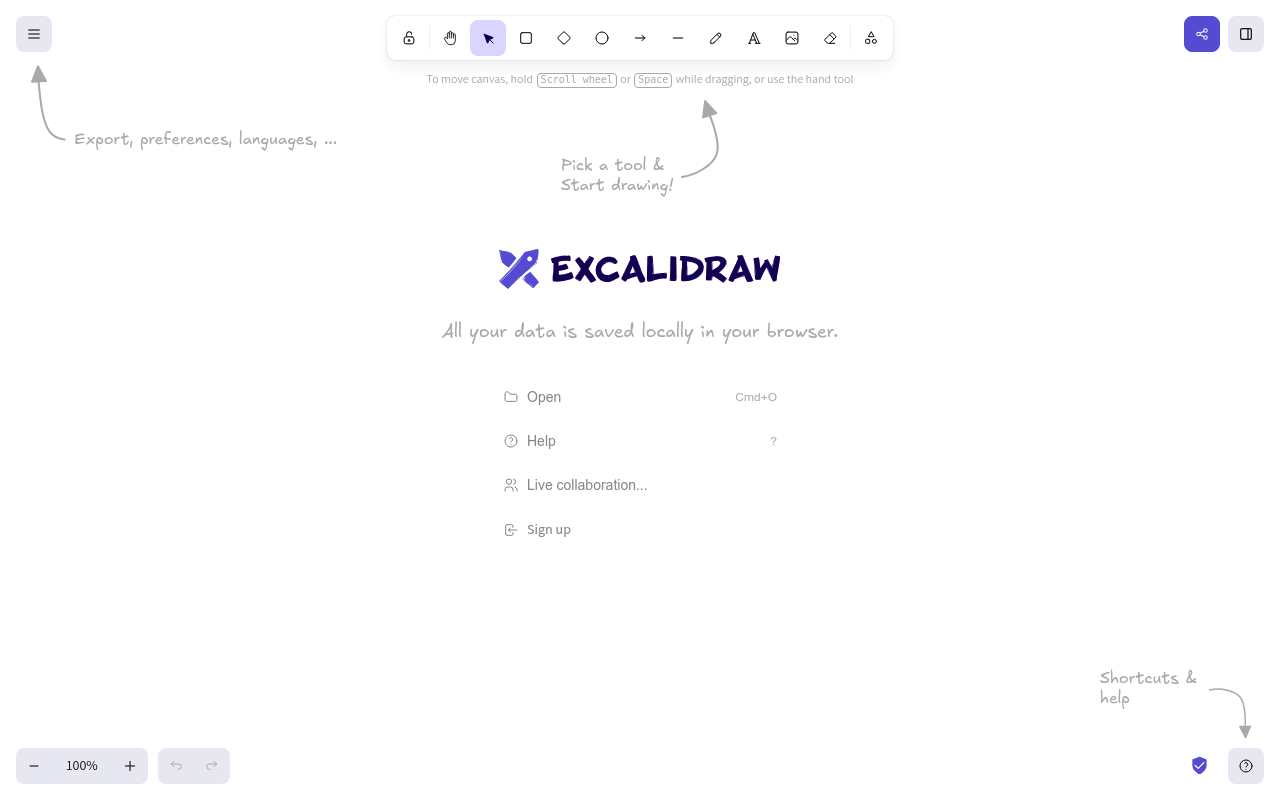
Excalidraw is a virtual whiteboard tool designed for quickly sketching diagrams, wireframes, and other visuals. It emphasizes ease of use and local storage to ensure user data privacy and control. It provides a fast and efficient way to brainstorm, plan, and communicate ideas visually.

Key Features

  • Operates within the user's web browser, storing all data locally.
  • Offers a variety of shapes, drawing tools, and customization options.
  • Provides intuitive controls for moving the canvas and manipulating elements.
  • Supports real-time collaboration, enabling teams to work together on diagrams seamlessly.

Who It's For

Excalidraw is ideal for designers, developers, project managers, and anyone who needs to visualize and share ideas quickly. It's particularly useful for those who value data privacy and want a simple tool for sketching and diagramming. The collaborative features make it a great choice for remote teams looking to brainstorm and plan together effectively.

Key Features

Free and open-source - accessible to anyone without subscription fees.
Local data storage - ensures data privacy and control.
Real-time collaboration - enables seamless teamwork on diagrams.
Simple and intuitive interface - easy to learn and use.
Variety of shapes and drawing tools - supports diverse diagramming needs.
Customizable styles and colors - allows for personalized visuals.
Export options (SVG, PNG) - facilitates sharing and integration with other tools.
Keyboard shortcuts - accelerates workflow and improves efficiency.

Use Cases & Problems Solved

Use Cases

  • Use when you need to quickly sketch a diagram or wireframe during a meeting.
  • Perfect for brainstorming sessions and visually organizing ideas.
  • Ideal if you need to create a simple flowchart or process diagram.
  • Use when collaborating with a remote team on a visual project.
  • Perfect for explaining complex concepts through hand-drawn sketches.
  • Ideal if you need a tool that prioritizes data privacy and local storage.
  • Use when you want to create quick mockups for user interfaces or website layouts.

Problems Solved

  • Eliminates the need for complex and expensive diagramming software.
  • Solves the problem of scattered notes and unorganized brainstorming sessions.
  • Reduces friction in visual collaboration by providing a simple and accessible tool.
  • Addresses privacy concerns by storing data locally in the user's browser.
  • Overcomes the limitations of traditional whiteboards in remote collaboration scenarios.

Who It's For

DesignersDevelopersProject managersRemote teamsProduct managersEducators

Fit Analysis

Best For

Best for designers, developers, and teams who need a quick, easy-to-use, and private virtual whiteboard for sketching and collaboration.

Not Ideal For

Not ideal for users requiring advanced features such as complex data visualization or detailed technical drawings.

Metrics

Discovered1/19/2026
Reviews0
Saved By0 users

Related Tools