Erase.bg
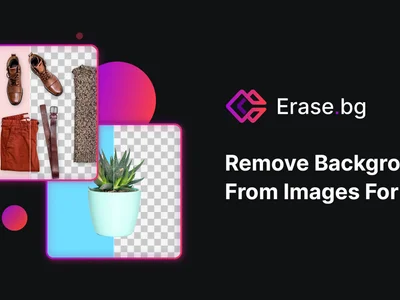
Erase.bg quickly removes image backgrounds online, automatically and for free. Get perfect cutouts in seconds!
Boost this tool
Subscribe to listing upgrades or segmented pushes.
Overview
Erase.bg is an AI-powered tool designed to automatically remove backgrounds from images. It provides clean cutouts of the foreground subject, eliminating the need for manual editing. This tool aims to save time and provide ease of use, allowing users to create professional-looking images with transparent backgrounds.
Key Features
- Automatic background removal
- High-resolution output
- Supports various image formats
- Batch processing (available in paid plans)
- API for integration into existing workflows
- Handles complex edges and details effectively
Who It's For
This tool is ideal for:
- E-commerce businesses
- Graphic designers
- Marketers
- Anyone who needs to quickly and easily remove backgrounds from images for product photos, marketing materials, or other projects.
Key Features
Use Cases & Problems Solved
Use Cases
- •Use when you need to quickly create product photos with transparent backgrounds for your e-commerce store.
- •Perfect for graphic designers who want to isolate subjects for marketing materials without manual editing.
- •Ideal if you need to create profile pictures with clean backgrounds for social media.
- •Use when preparing images for presentations or reports requiring isolated elements.
- •Perfect for removing distracting backgrounds from photos to enhance visual appeal.
- •Ideal if you need to generate mockups or designs where a transparent background is crucial.
- •Use when automating background removal through their API for high-volume image processing.
Problems Solved
- ✓Eliminates the need for expensive and complex photo editing software for background removal.
- ✓Saves significant time compared to manually removing backgrounds with tools like Photoshop.
- ✓Reduces the cost of outsourcing background removal tasks to professional photo editors.
- ✓Removes the technical barrier for non-designers to create professional-looking visuals.
- ✓Solves the problem of inconsistent background removal quality across different images.
Who It's For
Fit Analysis
Best For
Best for e-commerce businesses and marketers who need to quickly and easily create product photos and marketing visuals with transparent backgrounds.
Not Ideal For
Not ideal for users who require extremely precise and detailed background removal with manual control over every pixel.
