Back to Database
Dokie
VERIFIED

Dokie

0.0(0)

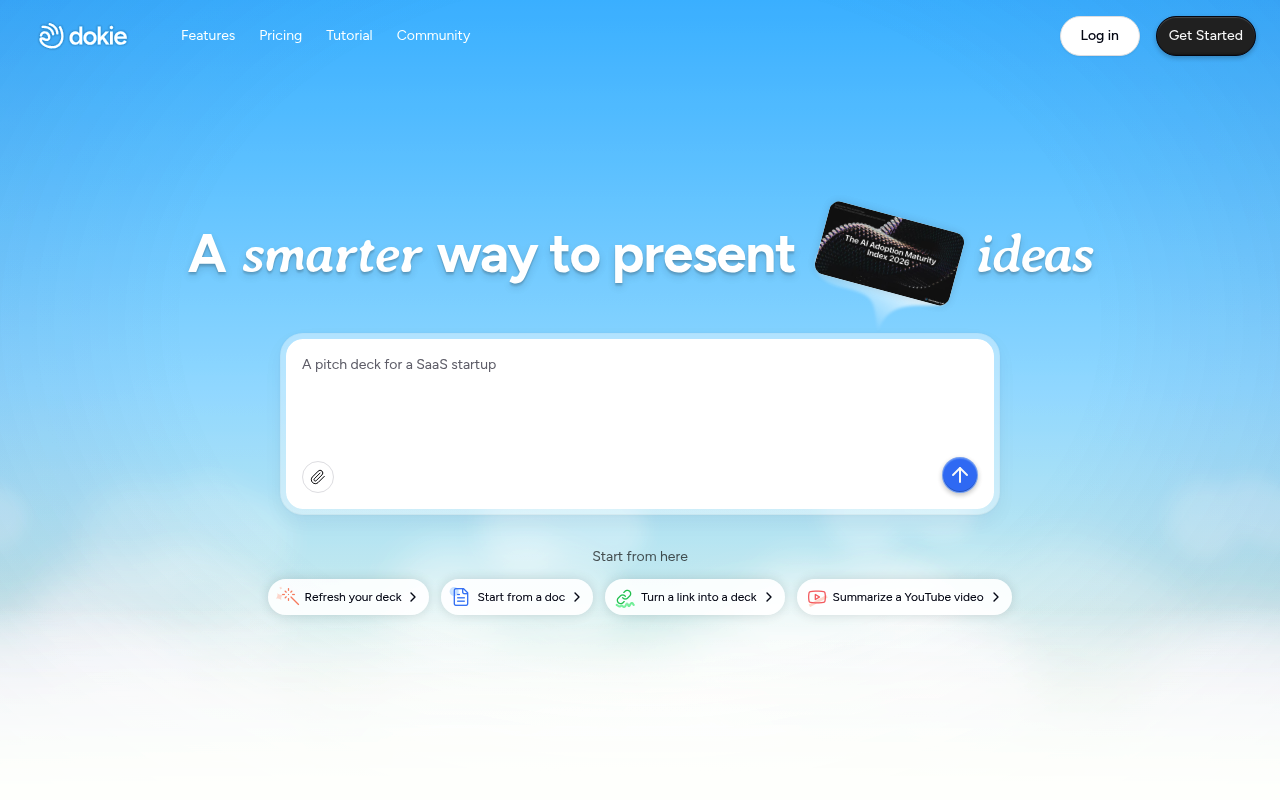
Dokie AI: Create stunning, interactive presentations and pitch decks faster. Transform documents, links, and videos into engaging stories with AI.

Design & No-CodeFreemium

Boost this tool

Subscribe to listing upgrades or segmented pushes.

Log in to purchase

Overview

Dokie AI is an AI-powered presentation tool designed to streamline the creation of compelling and interactive presentations. It allows users to transform existing documents, links, and even YouTube videos into engaging slide decks quickly and easily. Dokie emphasizes content-first design, adapting layouts and structures to ensure every presentation is clear, focused, and visually appealing.

Key Features

  • Transforms existing documents, links, and YouTube videos into engaging slide decks.
  • Adapts layouts and structures to ensure presentations are clear and visually appealing.
  • Understands and structures content from various formats, including PDFs and Docs.
  • Offers image generation and search to find or create visuals instantly.
  • Turns complex information into clear charts and diagrams.
  • Allows users to upload brand templates for consistent branding.

Who It's For

Dokie AI is well-suited for:

  • Startups
  • Educators
  • Business professionals
  • Anyone who needs to create impactful presentations efficiently.

Key Features

AI-Powered Presentation Generation - Quickly create presentations from various content sources.
Multi-Format Understanding - Upload PDFs, Docs, links and videos to generate slides.
Image Generation & Search - Generate or find visuals instantly using AI.
Data & Logic Visualization - Turn data and ideas into clear charts and diagrams.
Brand Template Upload - Maintain consistent branding across all presentations.
Advanced Custom Editing - Refine layouts, visuals, and structure with AI assistance.
Interactive Storytelling - Create animated, interactive presentations that guide attention.
Content-First Design - Focus on content, and the AI will adapt the layout and structure.
Export to PDF, PPTX, PNG - Easily share your presentations in various formats.

Use Cases & Problems Solved

Use Cases

  • Use when you need to create a professional pitch deck quickly from a document.
  • Perfect for transforming a lengthy report into a concise and visually appealing presentation.
  • Ideal if you need to summarize a YouTube video into key takeaways within a slide deck.
  • Use when you want to maintain consistent branding across all your presentations.
  • Perfect for generating images and visuals to enhance your presentation content.
  • Ideal if you need to visualize complex data and logic in a clear and understandable format.

Problems Solved

  • Eliminates the time-consuming manual design process of creating presentations.
  • Reduces the effort required to transform existing documents into engaging slide decks.
  • Solves the problem of inconsistent branding across presentations.
  • Overcomes the challenge of visualizing complex data and logic effectively.
  • Removes the difficulty of finding or creating relevant visuals for presentations.

Who It's For

Startup foundersMarketing teamsBusiness professionalsEducatorsSales teamsConsultants

Fit Analysis

Best For

Best for business professionals and educators who need to create engaging and branded presentations quickly and efficiently.

Not Ideal For

Not ideal for users who require highly specific and intricate design control over every element of their presentation.

Metrics

Discovered2/6/2026
Reviews0
Saved By0 users

Related Tools