Back to Database
Designify
VERIFIED

Designify

0.0(0)

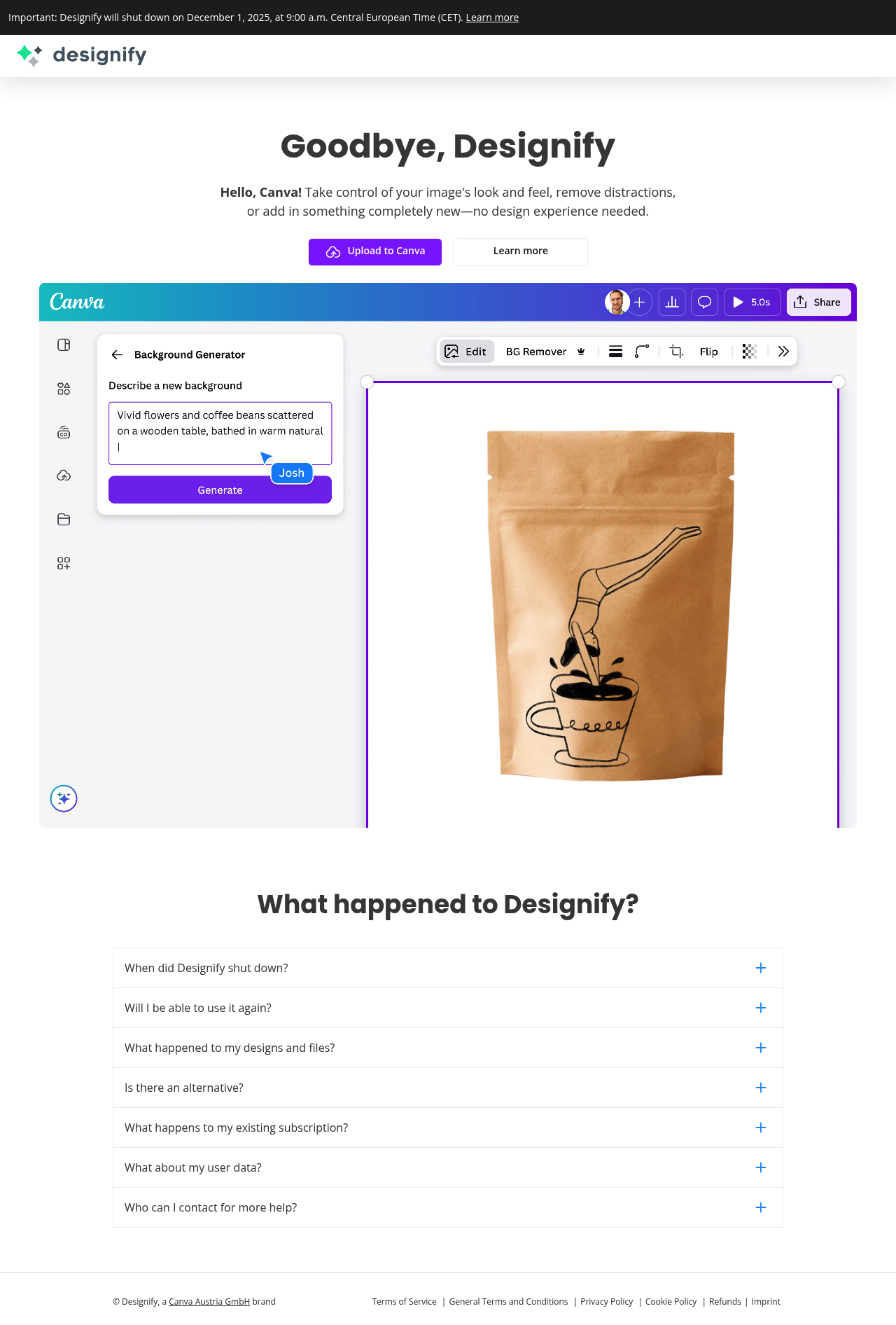
Designify helped users enhance and edit images quickly with AI-powered tools, but it has shut down and now recommends Canva.

ImageFreemium

Boost this tool

Subscribe to listing upgrades or segmented pushes.

Log in to purchase

Overview

Designify was an AI-powered image editing tool that enabled users to enhance their visuals quickly and easily. It offered features such as background removal, object insertion, and overall image enhancement, all without requiring extensive design experience. The tool aimed to streamline the image editing process, allowing users to create polished visuals efficiently.

Key Features

  • Background removal: Isolates subjects from their backgrounds.
  • Object insertion: Adds new elements into the image.
  • Smart adjustments: Automatically optimizes the image's colors, contrast, and sharpness.

Who It Was For

Designify was ideal for individuals and businesses looking to create professional-looking images without the need for advanced design skills or expensive software. It was particularly useful for:

  • E-commerce businesses needing product photos
  • Marketing teams creating promotional materials
  • Anyone needing to quickly enhance images for social media or other online platforms

Key Features

Background Removal: Automatically remove backgrounds from images for a clean look.
Object Insertion: Add new elements into the image to enhance its appeal.
Smart Adjustments: Automatically optimize image colors, contrast, and sharpness.
AI-Powered Enhancements: Leverage AI algorithms to automate complex editing tasks.
User-Friendly Interface: Easy-to-use platform for quick image editing.
Batch Processing: Process multiple images simultaneously for efficiency.
Recommended Alternative: Suggests Canva's AI tools for continued image editing needs.

Use Cases & Problems Solved

Use Cases

  • Use when you need to quickly remove the background from a product photo.
  • Perfect for enhancing images for social media marketing campaigns.
  • Ideal if you need to create visually appealing graphics without design experience.
  • Use when creating mockups or prototypes that require professional-looking images.
  • Perfect for entrepreneurs needing to quickly generate product images for their online store.
  • Ideal if you need to improve the quality of existing images for presentations or reports.

Problems Solved

  • Eliminates the need for expensive and complex image editing software.
  • Reduces the time and effort required to manually edit images.
  • Overcomes the challenge of creating professional-looking images without design skills.
  • Removes unwanted backgrounds from product photos efficiently.
  • Simplifies the process of enhancing images for marketing and advertising.

Who It's For

E-commerce businessesMarketing teamsSolopreneursSocial media managersSmall business ownersContent creators

Fit Analysis

Best For

Best for individuals and businesses who needed quick and easy image editing solutions, though the tool is now defunct.

Not Ideal For

Not ideal for users needing a long-term image editing solution as Designify has shut down.

Metrics

Discovered1/16/2026
Reviews0
Saved By0 users

Related Tools