Back to Database
Crazyegg
VERIFIED

Crazyegg

0.0(0)

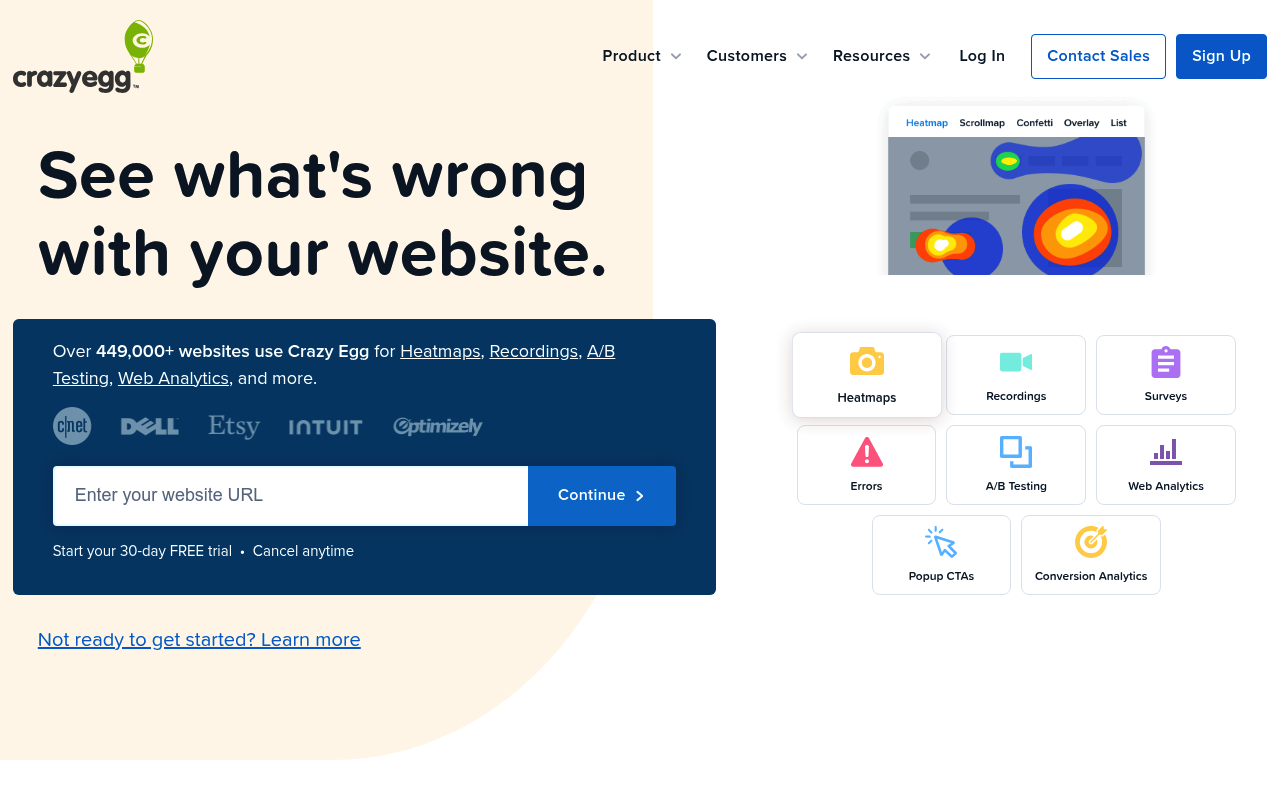
Crazy Egg's heatmaps, recordings, and A/B testing help you visually analyze website behavior and boost conversions. See what's wrong with your site!

Marketing & GrowthFreemium

Boost this tool

Subscribe to listing upgrades or segmented pushes.

Log in to purchase

Overview

Crazy Egg is a website optimization platform that provides visual analytics tools to help users understand visitor behavior and improve website performance. It allows users to see exactly how visitors interact with their website through heatmaps, session recordings, and A/B testing. By visualizing user clicks, scrolls, and navigation patterns, Crazy Egg helps identify areas of friction, drop-off points, and opportunities for improvement.

Key Features

  • Heatmaps: Visualize where users click on a webpage.
  • Scrollmaps: Reveal how far down the page users scroll.
  • Confetti Reports: Segment clicks by traffic source to understand user behavior based on origin.
  • Session Recordings: Watch individual user sessions to gain qualitative insights.
  • A/B Testing: Test different variations of a website to optimize for conversions.
  • Error Tracking: Identify technical issues impacting user experience.

Who It's For

Crazy Egg is designed for marketers, website owners, and UX designers who want to improve their website's conversion rates and overall user experience. It's particularly useful for businesses that rely on their website for lead generation, sales, or customer engagement.

Key Features

Heatmaps - visualize where users click, scroll, and hover on your website.
Session Recordings - watch individual user sessions to understand their behavior.
A/B Testing - test different variations of your website and see which performs best.
Scrollmaps - see how far down the page users scroll.
Confetti Reports - segment clicks by traffic source, referral, and more.
Error Tracking - identify and fix technical errors that are affecting user experience.
Surveys - collect feedback directly from your website visitors.
Popup CTAs - create and test different calls to action.

Use Cases & Problems Solved

Use Cases

  • Use when you need to understand why visitors aren't converting on a landing page.
  • Perfect for identifying usability issues that are preventing users from completing a purchase.
  • Ideal if you need to optimize your website's layout and content for better engagement.
  • Use when you want to A/B test different calls to action and see which performs best.
  • Perfect for diagnosing technical errors that are affecting user experience.
  • Ideal if you need to see how users are interacting with your website on different devices.
  • Use when you want to improve website conversion rates through data-driven optimization.

Problems Solved

  • Eliminates guesswork in website design and optimization.
  • Reduces bounce rates by identifying and fixing usability issues.
  • Increases conversion rates by optimizing website content and layout.
  • Identifies technical errors that are negatively impacting user experience.
  • Saves time and resources by focusing optimization efforts on the most impactful areas of the website.

Who It's For

Marketing teamsUX designersWebsite ownersE-commerce businessesConversion rate optimization specialistsSmall business owners

Fit Analysis

Best For

Best for marketing teams and website owners who need to understand user behavior and improve website conversion rates.

Not Ideal For

Not ideal for businesses with very low website traffic, as the data collected may not be statistically significant.

Metrics

Discovered1/16/2026
Reviews0
Saved By0 users

Related Tools