Aivector
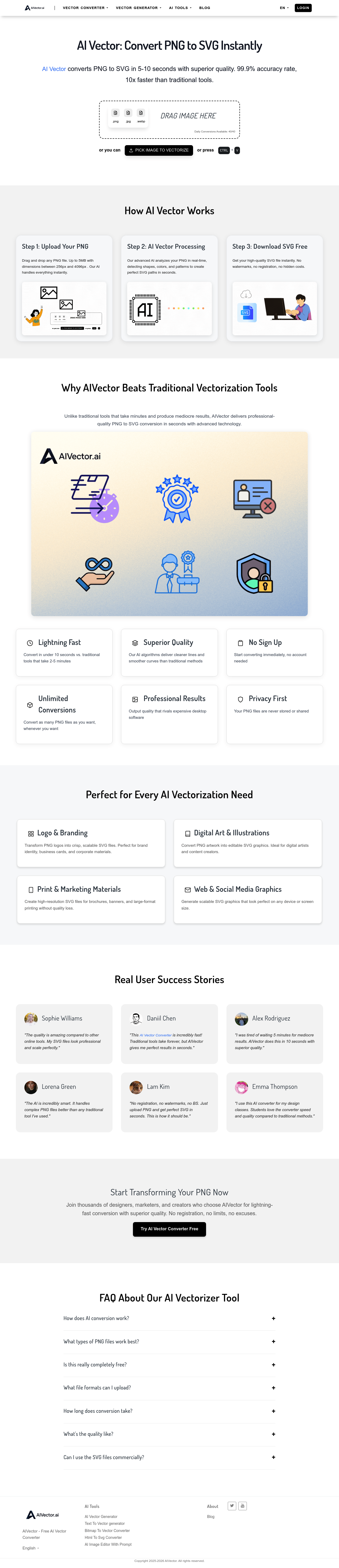
AIVector instantly converts PNG, JPG, and WebP images to high-quality, scalable SVG vectors with AI, saving time and ensuring crisp results.
Boost this tool
Subscribe to listing upgrades or segmented pushes.
Overview
AIVector is an AI-powered tool designed to convert raster images into SVG vector graphics quickly and accurately. It employs advanced AI algorithms to analyze images, identify shapes, colors, and patterns, and generate SVG paths with high precision, resulting in cleaner lines and smoother curves compared to traditional methods. This tool is useful for anyone needing to transform raster images into scalable vector graphics.
Key Features
- Converts raster images (PNG, JPG, WebP) to SVG vector graphics.
- Utilizes AI algorithms for shape and pattern detection.
- Achieves up to 99.9% accuracy in vectorization.
- Processes images up to 5MB in size.
- Supports image dimensions between 256px and 4096px.
- Offers lightning-fast conversion speeds (under 10 seconds).
- Provides unlimited conversions.
- Ensures privacy by not storing or sharing user files.
Who It's For
AIVector is particularly useful for designers, marketers, and content creators who need to convert raster images into scalable vector graphics for various purposes, including:
- Logos
- Digital art
- Print materials
- Web graphics
Key Features
Use Cases & Problems Solved
Use Cases
- •Use when you need to convert a PNG logo to a scalable SVG for branding materials.
- •Perfect for transforming digital artwork and illustrations into editable SVG graphics.
- •Ideal if you need to create high-resolution SVG files for brochures and large-format printing.
- •Use when generating scalable SVG graphics for web and social media that look sharp on any device.
- •Perfect for designers who want to quickly vectorize images without using expensive desktop software.
- •Ideal if you need to convert bitmap images to vector format for use in laser cutting or CNC machining.
- •Use when creating vector graphics from raster images for use in vinyl cutting projects.
Problems Solved
- ✓Eliminates the need for time-consuming manual vector tracing.
- ✓Reduces the cost associated with expensive desktop vectorization software.
- ✓Solves the problem of low-quality, pixelated images when scaling raster graphics.
- ✓Eliminates the need to sign up for an account to convert images to vector format.
- ✓Removes watermarks often found on converted images from free online tools.
Who It's For
Fit Analysis
Best For
Best for designers and marketers who need to quickly and easily convert raster images into high-quality, scalable vector graphics.
Not Ideal For
Not ideal for users who require highly detailed and intricate vectorization with fine-grained control over every aspect of the conversion process, as the AI handles most of the details automatically.
